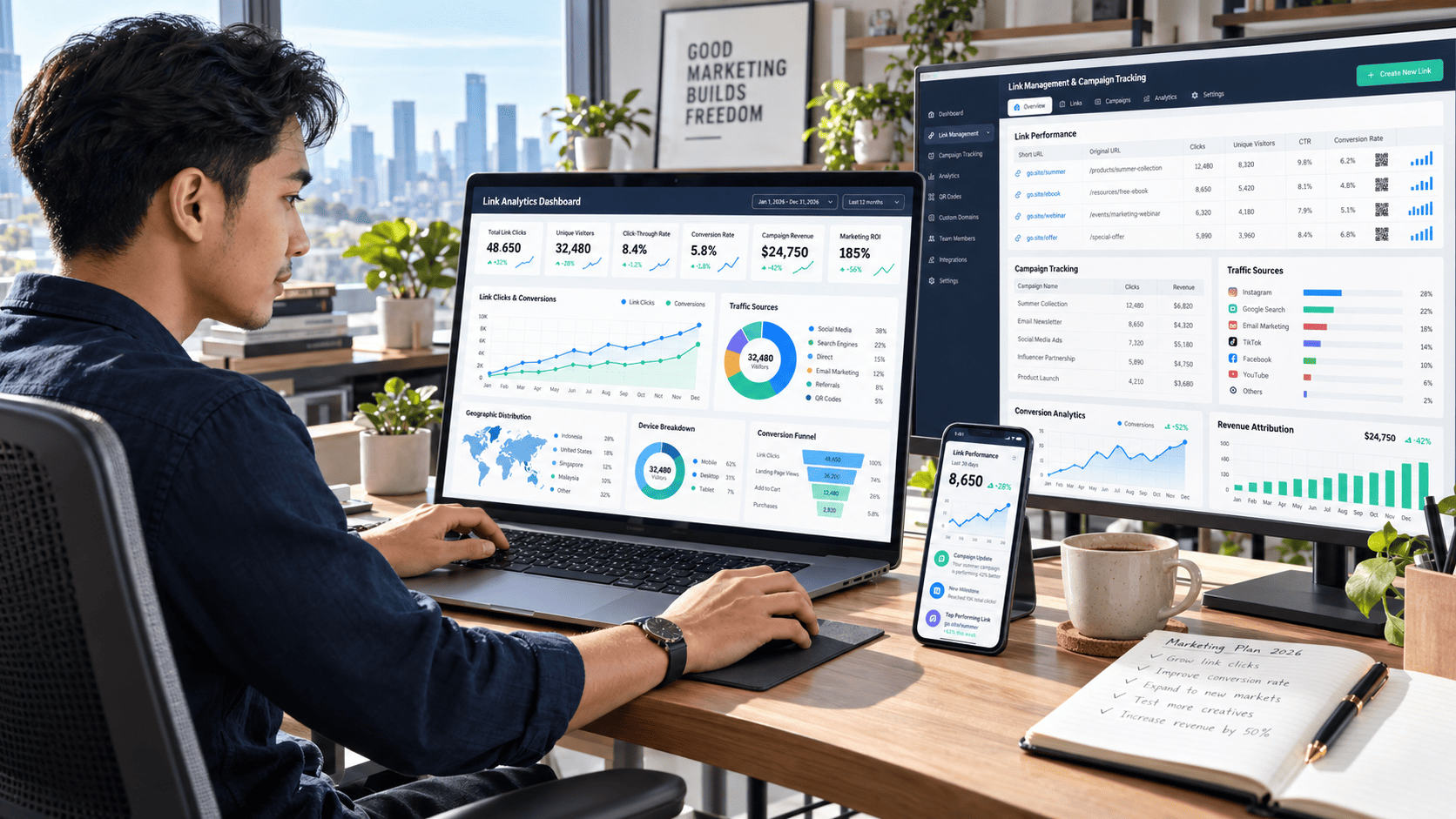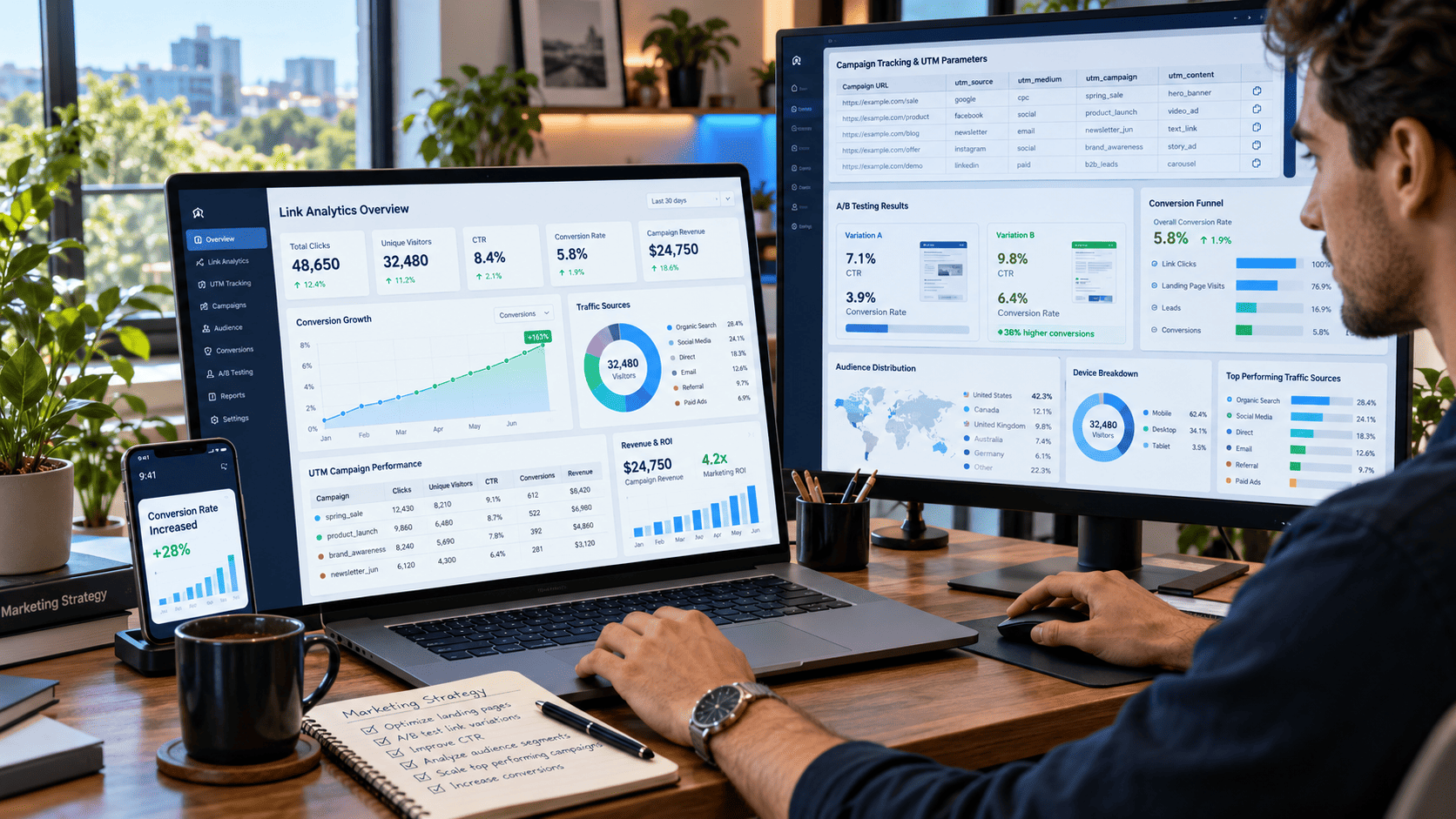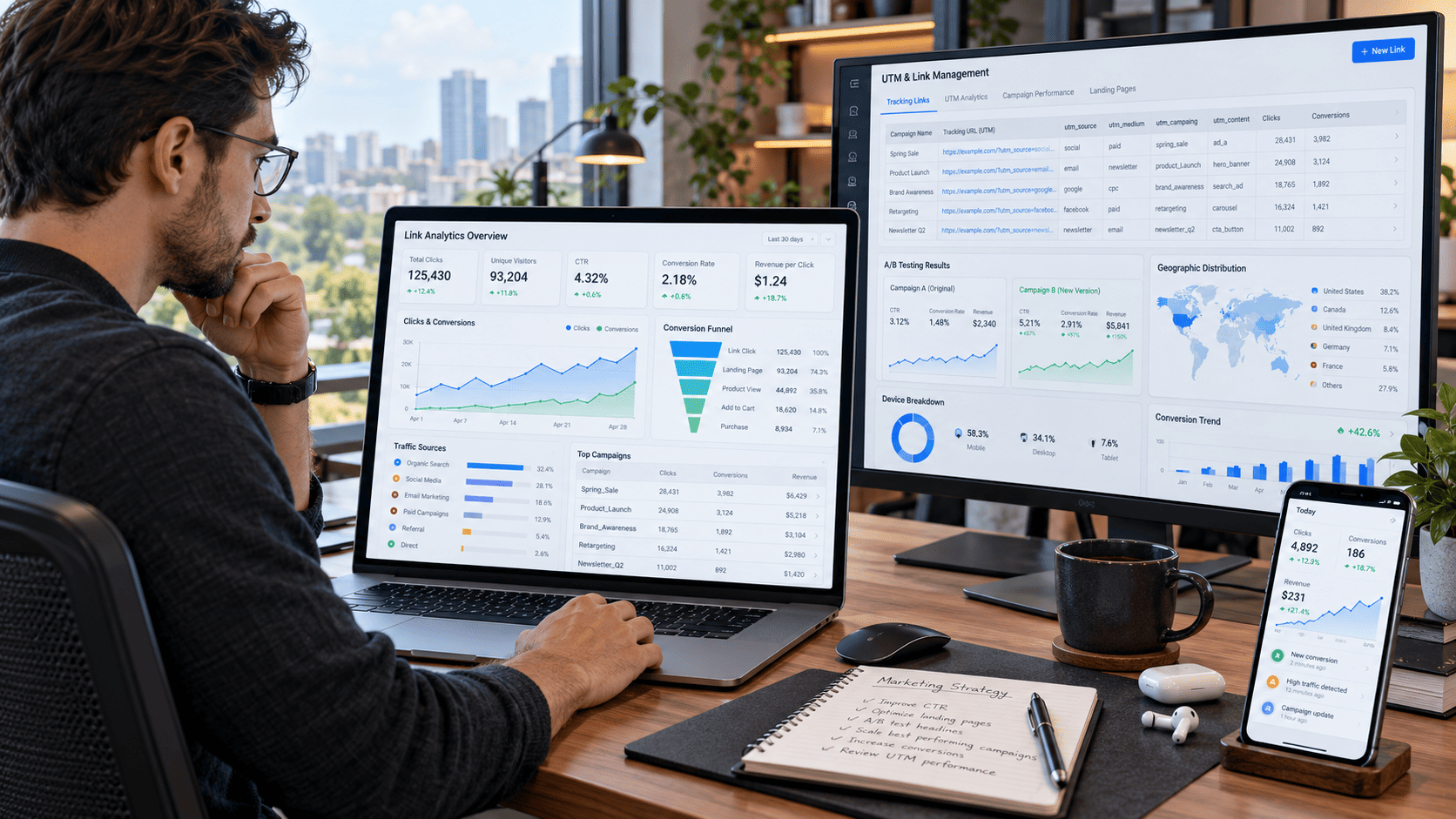

Every click tells a story. Someone saw your content, became curious, and decided to take the next step. But if you are simply sharing links without tracking what happens afterward, you could be missing valuable information about your audience, campaigns, and opportunities to grow.
That is where link management and analytics become powerful.
Whether you are a content creator, blogger, affiliate marketer, social media manager, digital marketer, or online business owner, understanding how people interact with your links can help you make smarter decisions. Instead of guessing which campaign works, you can see exactly where visitors come from, what they click, which devices they use, and which traffic sources generate meaningful results.
The following strategies will help you transform ordinary links into measurable assets that support better content, stronger campaigns, and higher conversions.
Why Link Management & Analytics Matter
A link may look simple, but it can connect several stages of the customer journey.
Someone might discover your content through social media, click a link, visit a landing page, read an article, and eventually purchase a product or subscribe to your newsletter.
Without proper tracking, you may only see the final result. With good link analytics, you can understand what happened before the conversion.
You can identify:
- Which campaigns generate the most clicks
- Where visitors are coming from
- Which platforms perform best
- What devices your audience uses
- Which content attracts high-quality traffic
- Which links produce actual conversions
Once you have this information, improving your marketing strategy becomes much easier.
1. Use a Centralized Link Management System
Managing dozens or hundreds of links manually quickly becomes confusing.
A centralized link management system allows you to organize campaign links, destinations, tracking parameters, and performance data from one place.
For example, instead of searching through old documents for the link used in a campaign three months ago, you can maintain a structured library categorized by platform, campaign, product, or content type.
Create Clear Link Categories
Useful categories might include:
- Social media campaigns
- Email newsletters
- Paid advertising
- Blog promotions
- Affiliate links
- Product launches
- Influencer campaigns
Good organization saves time and reduces tracking mistakes.
2. Add UTM Parameters to Important Campaigns
UTM parameters are one of the simplest ways to understand where your traffic originates.
A properly tagged URL can identify the source, medium, campaign, and sometimes the specific piece of content responsible for a visit.
For example, instead of seeing hundreds of visitors grouped together as referral traffic, you could determine that one group came from Facebook while another originated from an email newsletter.
Keep UTM Naming Consistent
Avoid creating variations such as:
facebook, Facebook, and fb
Analytics platforms may treat them as separate traffic sources.
Create a simple naming convention and use it consistently across your campaigns.
3. Track More Than Total Clicks
Total clicks can be useful, but they rarely tell the entire story.
Imagine two links:
Link A receives 10,000 clicks but produces 20 conversions.
Link B receives only 3,000 clicks but generates 150 conversions.
If you only looked at click volume, Link A might appear more successful. In reality, Link B is delivering much more valuable traffic.
Pay attention to metrics such as:
- Unique clicks
- Conversion rate
- Bounce or engagement rate
- Revenue per visitor
- Time on page
- Completed actions
Quality often matters more than raw traffic volume.
4. Monitor Unique Visitors
One person can click the same link multiple times.
That is why comparing total clicks with unique visitors can reveal how people actually interact with your campaigns.
If a link generates 8,000 clicks from only 2,500 unique users, visitors may be returning several times.
Depending on the campaign, that could indicate strong interest, repeated research, or confusion before completing an action.
Understanding the difference gives you more context.
5. Analyze Traffic Sources
Not every traffic source behaves the same way.
Visitors from search engines may be actively looking for information, while social media users may discover your content casually.
Compare traffic from channels such as:
Organic Search
SEO traffic often carries strong intent because users are searching for specific answers.
Social Media
Social traffic can generate large volumes quickly, especially when content receives strong engagement.
Email audiences often contain returning visitors who already recognize your brand.
Referral Traffic
Links from other websites can introduce your content to highly targeted audiences.
Knowing which sources perform best helps you decide where to invest your time and budget.
6. Measure Click-Through Rate
Click-through rate, or CTR, measures how often people click compared with how often they see an opportunity to click.
A low CTR does not always mean your content is bad. Sometimes the problem is the headline, call-to-action, placement, or audience targeting.
Test small changes such as:
- Stronger calls-to-action
- More relevant anchor text
- Better link placement
- Clearer benefits
- More targeted messaging
Small improvements can create significant results when applied across large traffic volumes.
7. Understand Device Performance
Mobile and desktop visitors often behave differently.
A campaign may generate excellent results on desktop but struggle on mobile because the landing page loads slowly or the call-to-action is difficult to tap.
Review performance across:
- Smartphones
- Desktop computers
- Tablets
- Different operating systems
- Different browsers
If mobile visitors represent most of your traffic, mobile optimization should become a priority rather than an afterthought.
8. Analyze Geographic Audience Data
Location data can reveal unexpected opportunities.
You may discover that a campaign designed for one market is receiving significant engagement from another country or city.
Geographic analytics can help you adjust:
- Language
- Currency
- Advertising schedules
- Content topics
- Product recommendations
- Regional campaigns
For businesses serving multiple markets, this data can become especially valuable.
9. Track Conversion Events
Clicks are only the beginning.
The most useful link management and analytics strategy connects clicks with meaningful actions.
Conversions might include:
- Product purchases
- Newsletter subscriptions
- Account registrations
- Downloads
- Contact form submissions
- Trial signups
- Affiliate purchases
Once conversions are connected to traffic sources, you can identify which campaigns actually contribute to business growth.
10. Compare Campaign Performance
Avoid evaluating campaigns in isolation.
Comparing several campaigns can reveal patterns that might otherwise remain hidden.
Suppose three campaigns promote the same landing page.
One receives the highest traffic, another gets the best CTR, while the third generates the highest conversion rate.
Each result teaches you something different about messaging, audience quality, and distribution.
Build Simple Performance Benchmarks
Track similar metrics for every campaign.
Over time, you will develop realistic benchmarks that make it easier to recognize unusually strong or weak performance.
11. Identify Your Best-Performing Content
Link analytics can also improve your content strategy.
Look at which articles, videos, landing pages, or social posts consistently generate clicks and conversions.
Then ask why.
Perhaps the topic solves an urgent problem. Maybe the headline creates curiosity. Or the content attracts visitors with strong purchasing intent.
Instead of constantly inventing completely new ideas, build upon topics already proven to resonate with your audience.
12. Test Different Link Placements
Where you place a link can dramatically influence its performance.
A link hidden near the bottom of a long article may receive fewer clicks than one naturally placed after a compelling explanation.
Try testing links in:
- Article introductions
- Mid-content sections
- Call-to-action boxes
- Navigation areas
- Product comparisons
- Email buttons
- Social media bios
Do not simply add more links. Focus on making each link relevant to the reader's current intent.
13. Watch for Unusual Traffic Patterns
Analytics can help you notice problems before they become serious.
Sudden spikes in clicks, extremely short visits, unusual geographic activity, or large differences between clicks and actual sessions may indicate low-quality traffic or technical tracking issues.
Regularly compare your normal traffic patterns with new data.
If something suddenly changes, investigate before making major marketing decisions based on potentially misleading numbers.
14. Review Performance Regularly
Analytics becomes useful when it leads to action.
You do not need to stare at dashboards all day. Instead, create a simple review routine.
Daily Checks
Look for major anomalies, broken campaigns, or sudden traffic changes.
Weekly Reviews
Compare traffic sources, clicks, CTR, and conversions.
Monthly Reviews
Identify broader trends and decide where to increase or reduce effort.
Regular reviews prevent valuable insights from disappearing inside complicated dashboards.
15. Turn Analytics Into Action
Collecting data is easy. Using it effectively is harder.
Every analytics review should eventually answer a practical question:
What should we do differently based on this information?
For example:
If Facebook produces many clicks but few conversions, improve targeting or landing-page alignment.
If organic search visitors convert extremely well, invest more resources into SEO content.
If mobile conversion rates are significantly lower than desktop, investigate mobile usability.
If one article consistently attracts valuable visitors, create related content around the same topic.
The goal of analytics is not simply to produce more charts. It is to help you make better decisions.
Building a Smarter Link Analytics Workflow
A strong workflow does not need to be complicated.
Start by organizing your links and establishing consistent tracking parameters. Next, connect traffic data with conversion events and review the results regularly.
As your campaigns grow, focus on the metrics that influence real outcomes rather than vanity numbers.
A simple workflow could look like this:
- Create a trackable campaign link.
- Add consistent UTM parameters.
- Publish the link across the selected channel.
- Monitor clicks and unique visitors.
- Analyze traffic source and device data.
- Measure conversions.
- Compare the results with previous campaigns.
- Optimize the next campaign using what you learned.
Repeating this process gradually turns marketing decisions from assumptions into evidence-based strategies.
Common Link Analytics Mistakes to Avoid
Even experienced marketers can misinterpret analytics.
One common mistake is assuming more clicks automatically mean better performance. Another is changing campaigns too quickly before enough data has been collected.
You should also avoid comparing completely different traffic sources without considering user intent.
A visitor clicking from an entertainment-focused social post may behave very differently from someone arriving through a high-intent Google search.
Context matters.
Analytics should help you understand behavior, not reduce every visitor to a single number.
Conclusion
Effective link management and analytics can completely change how you evaluate digital marketing performance.
Instead of asking whether a campaign "seems to be working," you can see which links attract visitors, where those users come from, how they behave, and whether they eventually convert.
The most effective strategy combines organized link management, consistent UTM tracking, click analysis, audience insights, conversion measurement, campaign comparison, and regular optimization.
You do not need to implement everything at once. Start with your most important links, establish a consistent tracking system, and begin reviewing the numbers that actually influence your goals.
Every click contains useful information. Start tracking it properly, learn from what your audience is telling you, and use those insights to build smarter campaigns that generate better results.