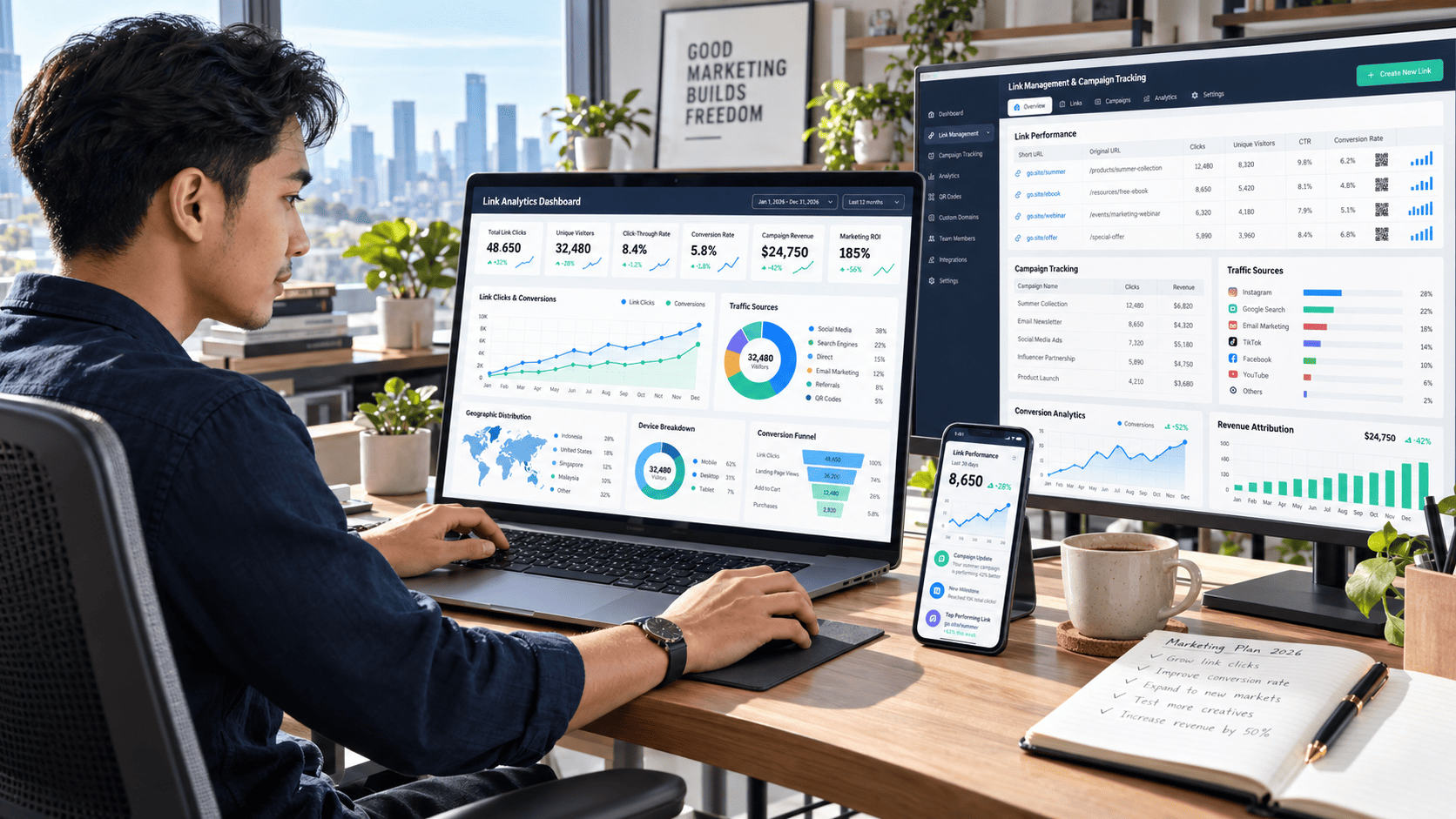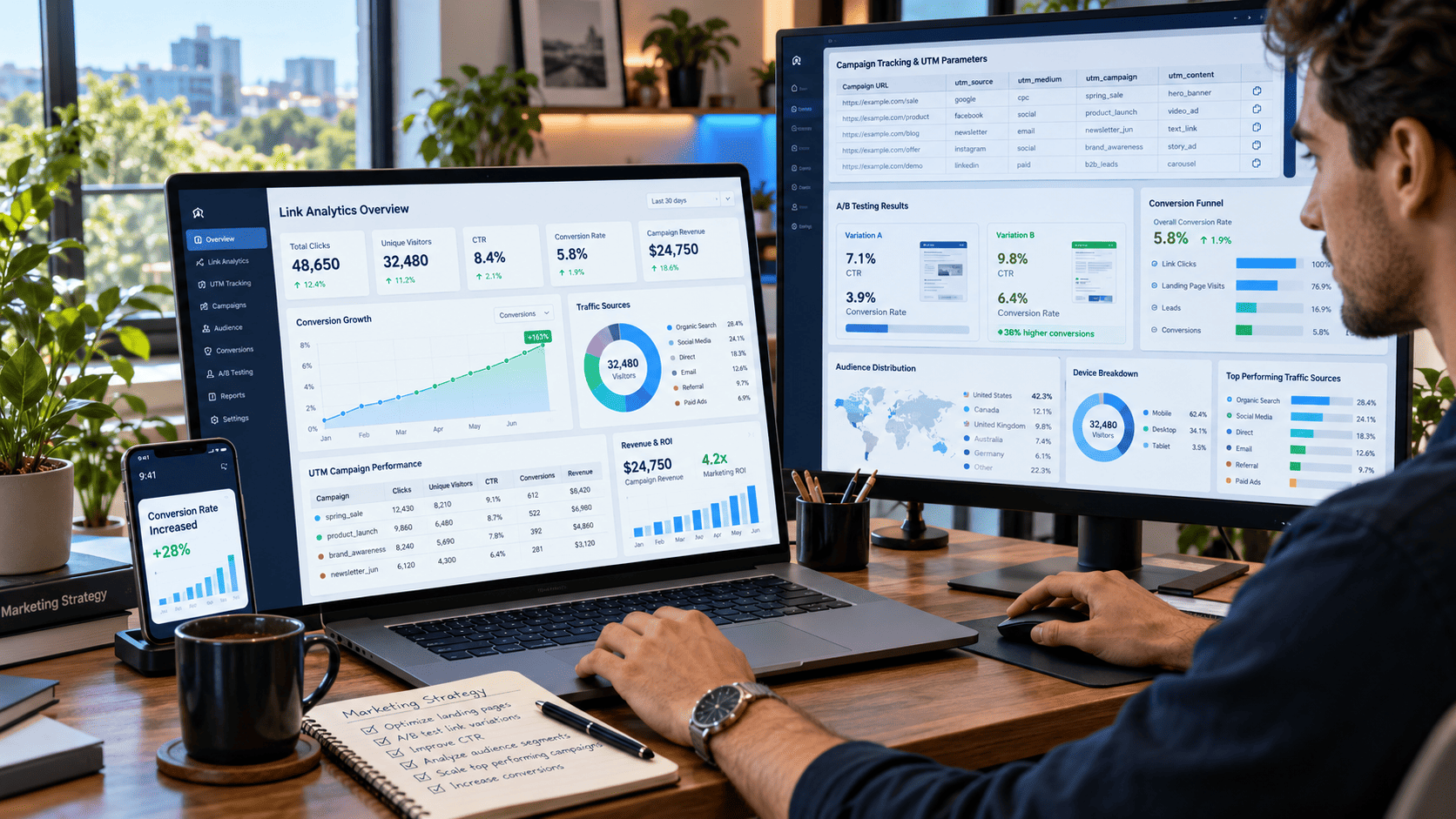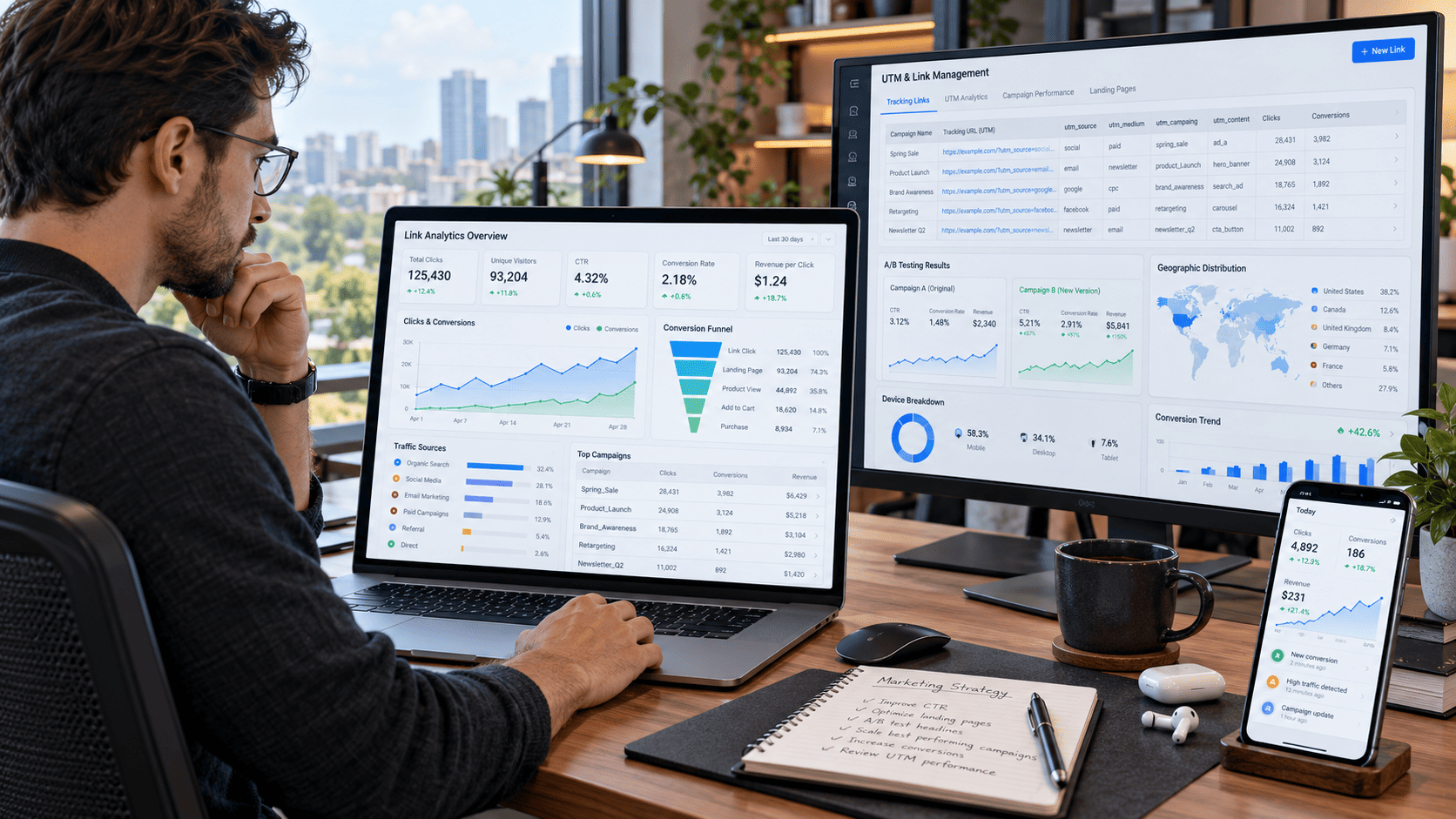

It can reveal where your visitors come from, which content catches their attention, what device they use, and whether they take the action you expect. Yet many marketers, content creators, bloggers, and business owners still share links without tracking what happens afterward.
They publish a campaign, post it across several platforms, and wait for results. When traffic increases, they may not know which channel deserves the credit. When conversions remain low, they struggle to identify what went wrong.
This is where link management and analytics become essential. With the right strategy, you can organize your links, track every meaningful click, understand audience behavior, and use real data to improve campaign performance.
What Is Link Management?
Link management is the process of creating, organizing, tracking, updating, and optimizing the URLs used across your digital campaigns.
It goes beyond shortening a long web address. A complete link management system allows you to control where links lead, measure how they perform, and keep campaigns organized across different platforms.
For example, imagine you are promoting a new online course through:
- Email newsletters
- YouTube
- Blog articles
- Paid advertisements
Using the same untracked URL everywhere may show you the total traffic received by the landing page. However, it will not clearly explain which platform generated the most valuable visitors.
With properly managed tracking links, each channel can have its own identifiable URL. You can then compare performance and make smarter decisions.
Why Link Analytics Matters
Clicks alone do not tell the full story.
A campaign may generate thousands of visits but still produce very few sign-ups or sales. Another campaign may attract fewer visitors but deliver a much higher conversion rate.
Link analytics helps you understand the quality behind the numbers.
Identify Your Best Traffic Sources
Link tracking reveals which channels are sending visitors to your website.
You may discover that your Instagram bio generates more clicks than your Facebook posts. However, visitors from your email newsletter may stay longer and complete more purchases.
This information helps you focus your time and budget on channels that produce meaningful results instead of simply chasing high traffic numbers.
Understand Audience Behavior
Modern link analytics can provide insights such as:
- Total and unique clicks
- Visitor location
- Device type
- Browser or operating system
- Time and date of each click
- Referral source
- Conversion activity
These details help you understand when, where, and how people interact with your content.
For instance, if most visitors open your links on mobile devices, your landing pages must load quickly and display correctly on smaller screens. If engagement is highest in the evening, scheduling future posts during that period may improve performance.
Measure Campaign Effectiveness
Without tracking, campaign decisions often depend on assumptions.
A marketer may think a particular social media post performed well because it received many likes. Link analytics may reveal that another post with fewer likes generated more website visits and sales.
That difference matters.
Engagement metrics such as likes and comments are useful, but link clicks and conversions show whether people are moving closer to your business goal.
How to Build an Effective Link Management System
An effective system does not need to be complicated. It simply needs to provide consistent, accurate, and actionable information.
1. Define the Goal of Every Link
Before creating a link, decide what you want visitors to do after clicking it.
A link may be designed to:
- Read an article
- Download a guide
- Register for an event
- Join an email list
- Request a consultation
- Purchase a product
- Watch a video
Defining the goal makes it easier to measure success.
For example, a product link should not be judged only by the number of clicks. Its performance should also be measured through add-to-cart activity, completed purchases, conversion rate, and revenue.
2. Create Separate Links for Each Channel
Avoid using one identical URL for every platform.
Create a unique tracked link for each campaign source, such as:
- Instagram profile
- Instagram Stories
- Facebook posts
- Email campaigns
- YouTube descriptions
- Influencer promotions
- Paid advertisements
This separation allows you to see exactly where your traffic originates.
Suppose you promote the same landing page on Instagram, email, and YouTube. If all three platforms use one URL, you may only see total visits. With separate tracking links, you can compare each channel and identify the strongest performer.
3. Use Consistent UTM Parameters
UTM parameters are small pieces of tracking information added to a URL. They help analytics platforms identify the source, medium, and campaign associated with a visitor.
A typical tracked URL may include:
- Source: The platform sending traffic
- Medium: The marketing channel
- Campaign: The name of the promotion
- Content: The specific post, button, or advertisement
- Term: A keyword used in paid search campaigns
Consistency is important.
If one team member uses “facebook,” another uses “Facebook,” and another uses “fb,” your reports may treat them as separate sources. Establishing a clear naming structure keeps data organized and easier to analyze.
A simple naming format could look like this:
platform_channel_campaign_content
For example:
instagram_social_summer-sale_story
4. Use Branded and Descriptive Links
Long URLs filled with random characters can appear confusing or untrustworthy. Branded links are usually cleaner, easier to remember, and more professional.
Instead of sharing a link that looks complicated, you can create something similar to:
brand.com/summer-offer
A descriptive link gives visitors an idea of what they will find after clicking. It can also strengthen brand recognition across social media, email, and offline campaigns.
Avoid making links too vague. A link such as brand.com/click-here provides little context, while brand.com/free-marketing-guide feels clearer and more relevant.
5. Track Conversions, Not Just Clicks
A high click count can look impressive, but clicks do not automatically equal success.
You should connect link analytics with conversion tracking whenever possible. Depending on your campaign, conversions may include:
- Completed purchases
- Form submissions
- Account registrations
- File downloads
- App installations
- Newsletter subscriptions
- Booked appointments
Consider two campaigns:
Campaign A receives 5,000 clicks and generates 50 sales.
Campaign B receives 2,000 clicks and generates 100 sales.
Campaign A has more traffic, but Campaign B produces twice as many sales with fewer visitors. Without conversion tracking, Campaign A might incorrectly appear more successful.
Key Link Management Metrics to Monitor
Tracking too many numbers can create confusion. Focus on metrics that connect directly to your campaign objectives.
Total Clicks
Total clicks represent every recorded interaction with a link, including repeated clicks from the same person.
This metric is useful for measuring overall activity and interest.
Unique Clicks
Unique clicks estimate how many individual visitors interacted with your link.
Comparing total clicks with unique clicks can reveal whether people are clicking multiple times. A large difference may indicate repeated interest, comparison behavior, or technical issues.
Click-Through Rate
Click-through rate, or CTR, shows the percentage of people who clicked after seeing your link.
The formula is:
CTR = Clicks ÷ Impressions × 100
If a promotional post receives 10,000 impressions and 500 clicks, the CTR is 5%.
A low CTR may suggest that the headline, call-to-action, creative, or offer needs improvement.
Conversion Rate
Conversion rate measures the percentage of visitors who complete the desired action.
The formula is:
Conversion Rate = Conversions ÷ Clicks × 100
If 1,000 people click a link and 50 complete a purchase, the conversion rate is 5%.
This metric helps determine whether your landing page and offer are convincing visitors to act.
Traffic Source
Traffic source data identifies which platform, website, or campaign sent the visitor.
Analyzing traffic sources helps you compare organic search, social media, email, referrals, and paid advertising.
Device and Location Data
Device information shows whether visitors use smartphones, tablets, or desktop computers.
Location data can reveal countries, regions, or cities where engagement is strongest. These insights are especially valuable for businesses targeting specific markets.
How to Improve Campaign Performance with Link Analytics
Collecting data is only useful when it leads to action.
Compare Different Content Formats
Create separate tracking links for videos, images, articles, and social media posts. Compare their click-through and conversion rates.
You may discover that short videos generate more clicks while educational articles produce higher-quality leads.
Test Different Calls-to-Action
Small wording changes can influence user behavior.
Compare calls-to-action such as:
- Learn More
- Get the Free Guide
- Start Your Free Trial
- See How It Works
- Claim the Offer
Use separate links for each version so you can identify which message attracts the most clicks and conversions.
Optimize Posting Times
Review when your links receive the most engagement.
If clicks regularly peak between 7:00 p.m. and 9:00 p.m., schedule important posts during that window. Continue testing because audience habits may change over time.
Improve Weak Landing Pages
A link may generate many clicks but few conversions. This often means the promotional content is working, but the landing page is not.
Check whether the page:
- Loads quickly
- Matches the promise of the link
- Works well on mobile devices
- Contains a clear headline
- Uses a visible call-to-action
- Removes unnecessary distractions
Improving the destination page can increase results without requiring more traffic.
Common Link Management Mistakes
Using One Link Everywhere
This makes it difficult to compare channels and understand which campaign generated the results.
Tracking Clicks Without Tracking Outcomes
Click data is incomplete without conversion data. Always connect clicks to a meaningful business or content goal.
Using Inconsistent Campaign Names
Different naming styles create messy reports and make long-term analysis more difficult.
Ignoring Mobile Visitors
A large portion of users may click from smartphones. A slow or poorly designed mobile page can waste valuable traffic.
Changing URLs Without Proper Redirects
Deleting or replacing an active page can create broken links. Use redirects to send visitors to the correct destination and preserve campaign traffic.
Making Decisions Too Quickly
A campaign may perform differently depending on the day, audience size, or distribution channel. Collect enough data before making major changes.
A Practical Link Management Workflow
A simple workflow can keep campaigns organized and measurable:
- Define the campaign objective.
- Choose the target audience and distribution channels.
- Create a unique tracking link for each source.
- Apply consistent UTM naming.
- Test every link before publishing.
- Monitor clicks, CTR, conversions, devices, and traffic sources.
- Compare results between channels and content formats.
- Improve headlines, calls-to-action, timing, or landing pages.
- Document the winning approach for future campaigns.
Repeating this process turns link analytics into a long-term growth system rather than a one-time reporting task.
Conclusion
Link management and analytics give you a clearer view of what happens between publishing content and achieving results.
By creating separate tracking links, using consistent UTM parameters, monitoring important metrics, and connecting clicks with conversions, you can understand your audience and improve campaign performance with confidence.
The goal is not simply to collect more data. The goal is to use that data to make better decisions.
Start by reviewing one active campaign today. Identify where its links are being shared, separate each traffic source, track the desired conversion, and compare the results. Even a small improvement in tracking can reveal opportunities that were previously hidden.
Once every click has context, your campaigns become easier to measure, optimize, and scale.