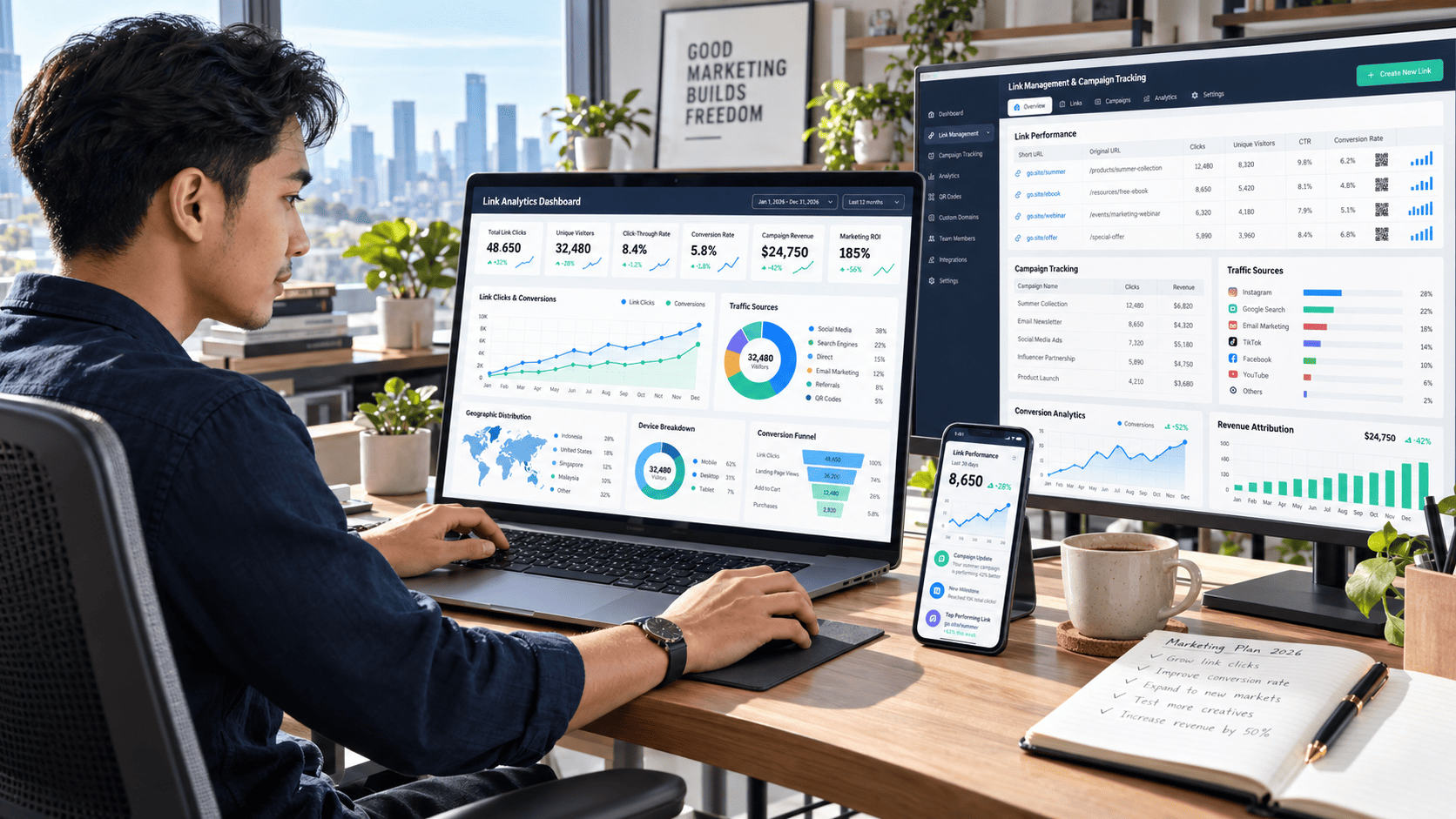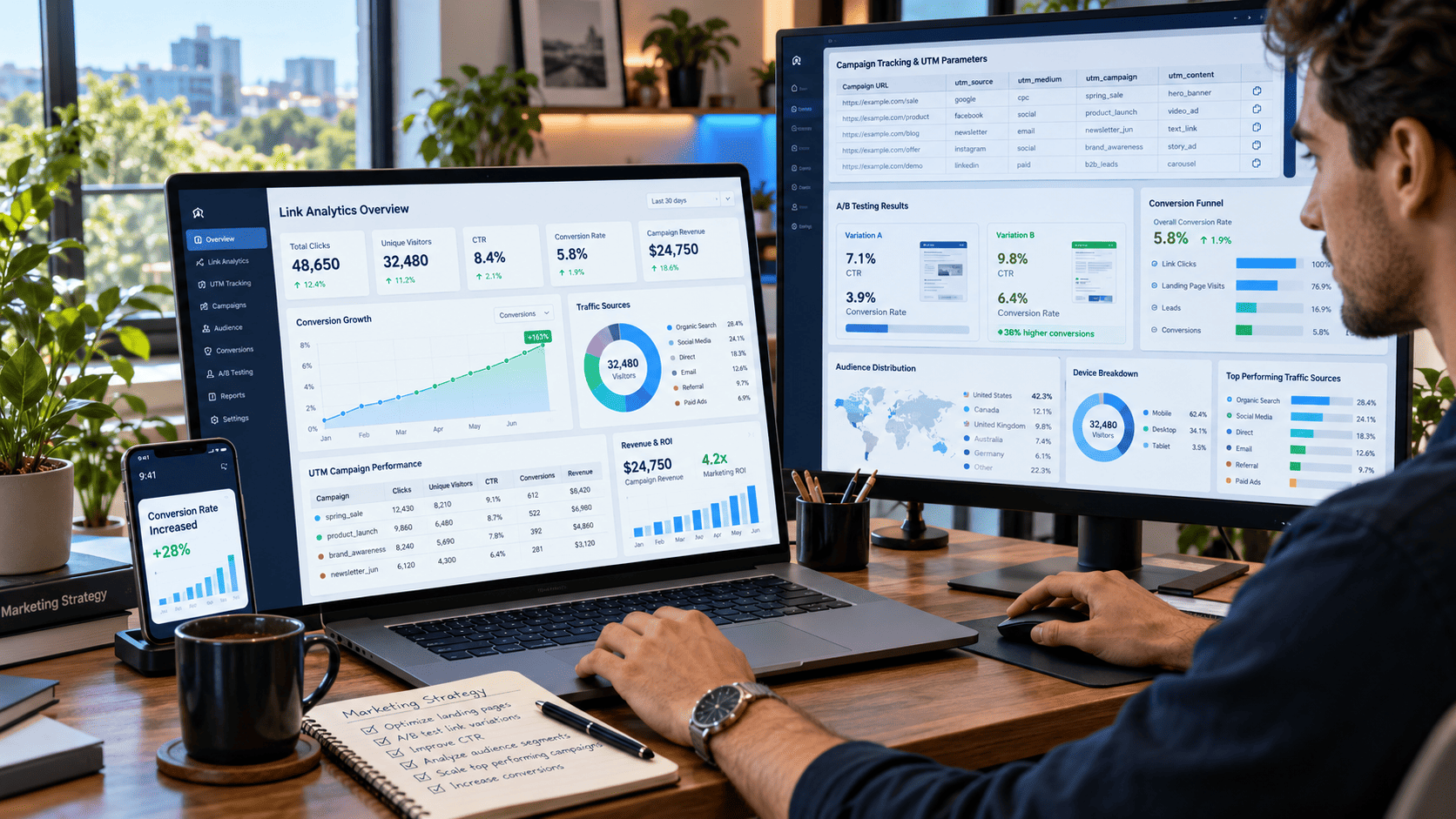

Every click tells a story. The problem is that many marketers, bloggers, content creators, and online businesses never read that story properly.
A visitor may click a link from social media, open a product page, explore several pieces of content, and eventually make a purchase. Without proper link management and analytics, those actions can look like disconnected numbers instead of a clear customer journey.
That is where link management and analytics become incredibly valuable. By organizing your links, tracking meaningful metrics, and understanding how people interact with them, you can discover which campaigns attract attention, which channels bring valuable visitors, and which pages actually drive results.
You do not need a complicated analytics operation to get started. A smarter structure and a few consistent tracking habits can dramatically improve the quality of your marketing decisions.
Here are 15 practical ways to make that happen.
1. Build a Clear Link Management System
As campaigns grow, links can quickly become messy. One link is used in an email, another appears on Instagram, and several slightly different versions are shared by different team members.
Without organization, tracking becomes difficult.
Create a simple structure for your marketing links based on:
- Campaign name
- Traffic source
- Content type
- Audience
- Landing page
- Promotion period
For example, links used for a summer promotion should be grouped separately from evergreen blog links.
A consistent system makes it much easier to compare performance later.
2. Track Every Important Click
Raw website traffic only tells part of the story.
Click tracking reveals exactly which links encourage users to take action.
Instead of simply knowing that 10,000 people visited your site, you may discover that one particular call-to-action generated 2,000 clicks while another generated only 300.
That information can influence everything from content placement to campaign design.
Focus on tracking high-value links such as:
- Product links
- Call-to-action buttons
- Newsletter links
- Affiliate links
- Download buttons
- Social media links
- Promotional banners
The goal is not to track every tiny interaction. Track the actions that can influence meaningful business decisions.
3. Use UTM Parameters Consistently
UTM parameters help analytics platforms identify where traffic originates.
A properly tagged URL can show whether a visitor came from an email campaign, Facebook post, paid advertisement, or another marketing channel.
Keep Your Naming Structure Simple
A good UTM structure usually includes:
- Source
- Medium
- Campaign
- Content
For example, two links promoting the same product could use different content tags to identify whether visitors clicked a banner or text button.
Consistency matters more than complexity.
If one team member writes facebook, another writes Facebook, and another writes fb, analytics reports can become unnecessarily fragmented.
4. Shorten Long Campaign URLs
Tracking parameters often create extremely long URLs.
They work technically, but they may look unattractive when shared directly.
Link shortening can make campaign links easier to distribute across social media, messaging platforms, QR codes, and offline marketing materials.
A clean short link also makes campaigns easier to remember and manage.
However, shortened URLs should still redirect visitors to trusted, relevant destinations.
Transparency remains important for building user confidence.
5. Monitor Click-Through Rate
Click-through rate, or CTR, measures how many people clicked a link compared with how many people saw it.
For example, if a promotional link receives 5,000 impressions and 250 clicks, its CTR is 5%.
CTR can help reveal whether your message successfully encourages action.
Low CTR May Indicate Several Problems
The headline may not be compelling.
The call-to-action could be unclear.
The link might appear too far down the page.
Or the offer may simply not match the audience's interests.
Testing these elements can gradually improve performance.
6. Analyze Traffic Sources
Not all traffic has equal value.
One campaign may generate thousands of visitors who immediately leave, while another produces fewer visitors who spend several minutes exploring the website.
Analyze traffic from channels such as:
- Organic search
- Social media
- Referral websites
- Paid campaigns
- Direct traffic
Then compare engagement, conversions, and revenue from each source.
A smaller traffic source can sometimes produce significantly better business results than the largest one.
7. Study Audience Behavior After the Click
A click is only the beginning.
What happens after someone arrives on your website is often more important.
Imagine two campaigns.
Campaign A generates 4,000 clicks but almost no conversions.
Campaign B generates only 1,500 clicks but produces dozens of purchases.
If you only evaluate click volume, Campaign A appears stronger. Once you examine post-click behavior, the picture changes completely.
Look at metrics such as:
- Engagement time
- Pages viewed
- Conversion rate
- Scroll depth
- Exit pages
- Completed actions
These metrics reveal the quality behind your clicks.
8. Segment Your Visitors
Average numbers can hide valuable insights.
Instead of analyzing every visitor together, divide your audience into meaningful groups.
Segments could include:
New vs. Returning Visitors
Returning users may interact differently with your offers because they already recognize your brand.
Mobile vs. Desktop Users
A campaign that performs well on desktop might struggle on smartphones because of slow loading or poor page design.
Geographic Location
Visitors from different countries or regions may respond differently to pricing, messaging, or product recommendations.
Segmentation helps transform generic analytics into actionable insights.
9. Identify Your Highest-Performing Links
Some links consistently outperform others.
Finding them can help you understand what your audience actually wants.
Suppose your blog contains several links leading to different guides. One resource receives significantly more clicks than the others.
That could indicate strong interest in that topic.
You might then create:
- More articles around the subject
- A downloadable guide
- A product recommendation
- A dedicated email campaign
- A related landing page
Successful links are not just traffic generators. They can reveal future content opportunities.
10. Detect Underperforming Links
Poor-performing links deserve attention too.
If thousands of visitors view a page but almost nobody clicks its main CTA, something may be wrong.
Possible reasons include:
- Weak positioning
- Unclear button text
- Poor visual hierarchy
- Irrelevant offers
- Broken links
- Slow destination pages
Sometimes a small adjustment can create a noticeable improvement.
Moving a CTA higher on the page or rewriting its message may significantly increase clicks.
11. Track Conversions, Not Just Clicks
Clicks can feel exciting, but conversions usually matter more.
A campaign that generates 20,000 clicks and 20 sales may be less valuable than one generating 3,000 clicks and 100 sales.
Define what counts as a conversion for your business.
It might be:
- A purchase
- Email signup
- Account registration
- App download
- Contact form submission
- Quote request
- Content download
Connecting clicks with conversions gives you a clearer picture of actual marketing performance.
12. Compare Campaign Performance
Analytics becomes more powerful when campaigns are compared instead of evaluated in isolation.
Imagine running three promotional campaigns during the same month.
One produces the highest traffic.
Another generates the best CTR.
The third creates the most sales.
Each result reveals something different.
Campaign comparisons can help you identify which combinations of channels, offers, audiences, and creative formats produce the strongest outcomes.
Over time, these insights make future campaigns easier to plan.
13. Test Different Link Placements
Where a link appears can dramatically influence whether users click it.
A CTA buried at the bottom of a long page may receive fewer clicks than one placed near a key decision point.
Test locations such as:
- Above the fold
- Inside article paragraphs
- After important sections
- Navigation menus
- Sidebars
- Exit prompts
- End-of-content CTAs
Do not assume one placement works best everywhere.
User behavior should guide the decision.
14. Review Analytics Regularly
Analytics is most useful when reviewed consistently.
You do not need to stare at dashboards every hour.
Instead, establish a simple reporting routine.
Weekly Review
Check unusual changes in traffic, clicks, conversions, and campaign performance.
Monthly Review
Compare channels, landing pages, top links, and conversion trends.
Quarterly Review
Look at larger patterns and decide which strategies deserve more resources.
Regular reviews prevent valuable insights from disappearing inside endless reports.
15. Turn Analytics Into Action
The biggest mistake in analytics is collecting data without doing anything with it.
A dashboard filled with charts may look impressive, but numbers have little value unless they influence decisions.
Try using a simple framework:
Observe → Understand → Test → Improve
For example:
Your analytics shows that mobile visitors click a promotion frequently but rarely convert.
You investigate and discover the checkout page loads slowly on smartphones.
You optimize the page.
Conversion rates improve.
That is what effective link management and analytics should accomplish.
Data should lead to action.
How to Create a Simple Link Analytics Workflow
You can build an effective workflow without overwhelming your team.
Step 1: Define Your Goal
Decide whether the campaign aims to increase traffic, generate leads, build an email list, or drive sales.
Step 2: Create Trackable Links
Use consistent campaign naming and tracking parameters.
Step 3: Distribute the Links
Place them across your chosen marketing channels.
Step 4: Measure User Behavior
Track clicks, engagement, conversions, and traffic quality.
Step 5: Compare Results
Identify which sources, placements, and messages perform best.
Step 6: Optimize
Improve weak areas and scale the strategies that produce strong results.
Repeating this process gradually creates a more predictable marketing system.
Conclusion
Effective link management and analytics goes far beyond shortening URLs or counting clicks. It helps you understand where visitors come from, what captures their attention, how they behave after clicking, and which campaigns actually contribute to meaningful results.
Start by organizing your links, implementing consistent tracking, monitoring important click metrics, and connecting those interactions with conversions. Then use audience segmentation, campaign comparisons, and regular performance reviews to uncover deeper insights.
Most importantly, avoid collecting data simply for the sake of reporting it.
Turn those insights into experiments, improvements, and smarter marketing decisions.
Pick one campaign today, review its links from click to conversion, and identify one element you can improve. Small optimizations made consistently can eventually create a major difference in traffic quality, audience engagement, and overall campaign performance.