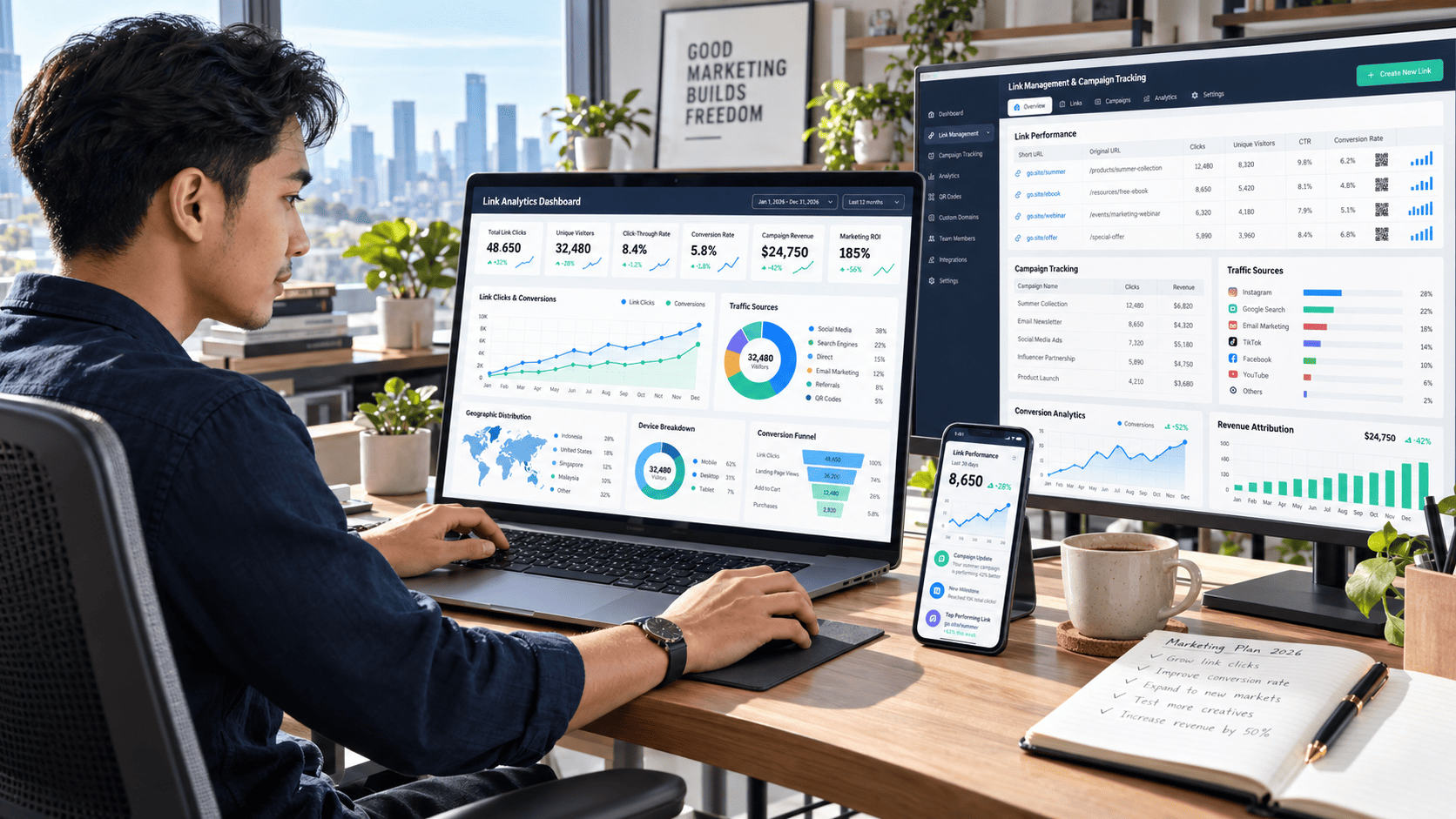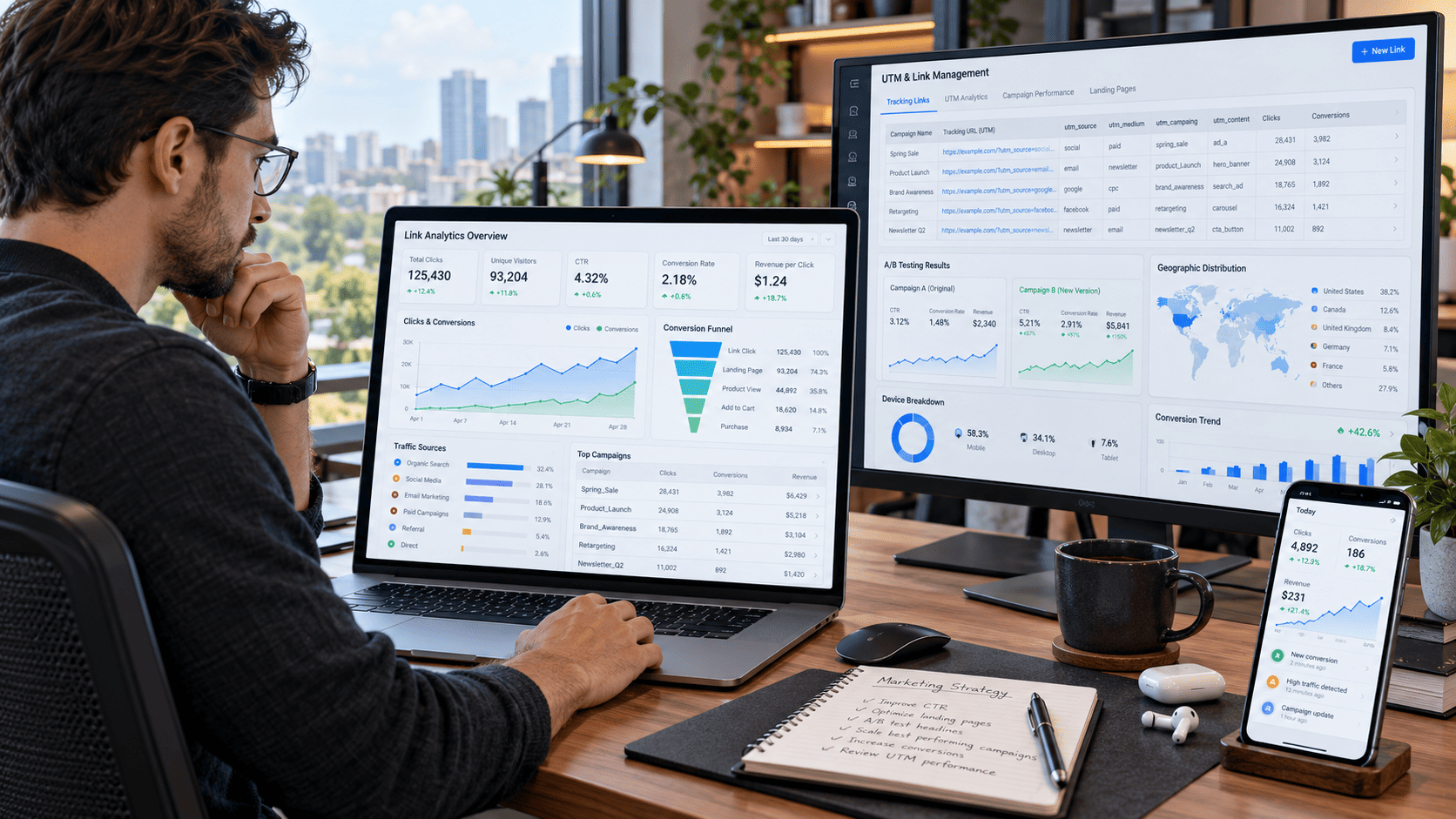
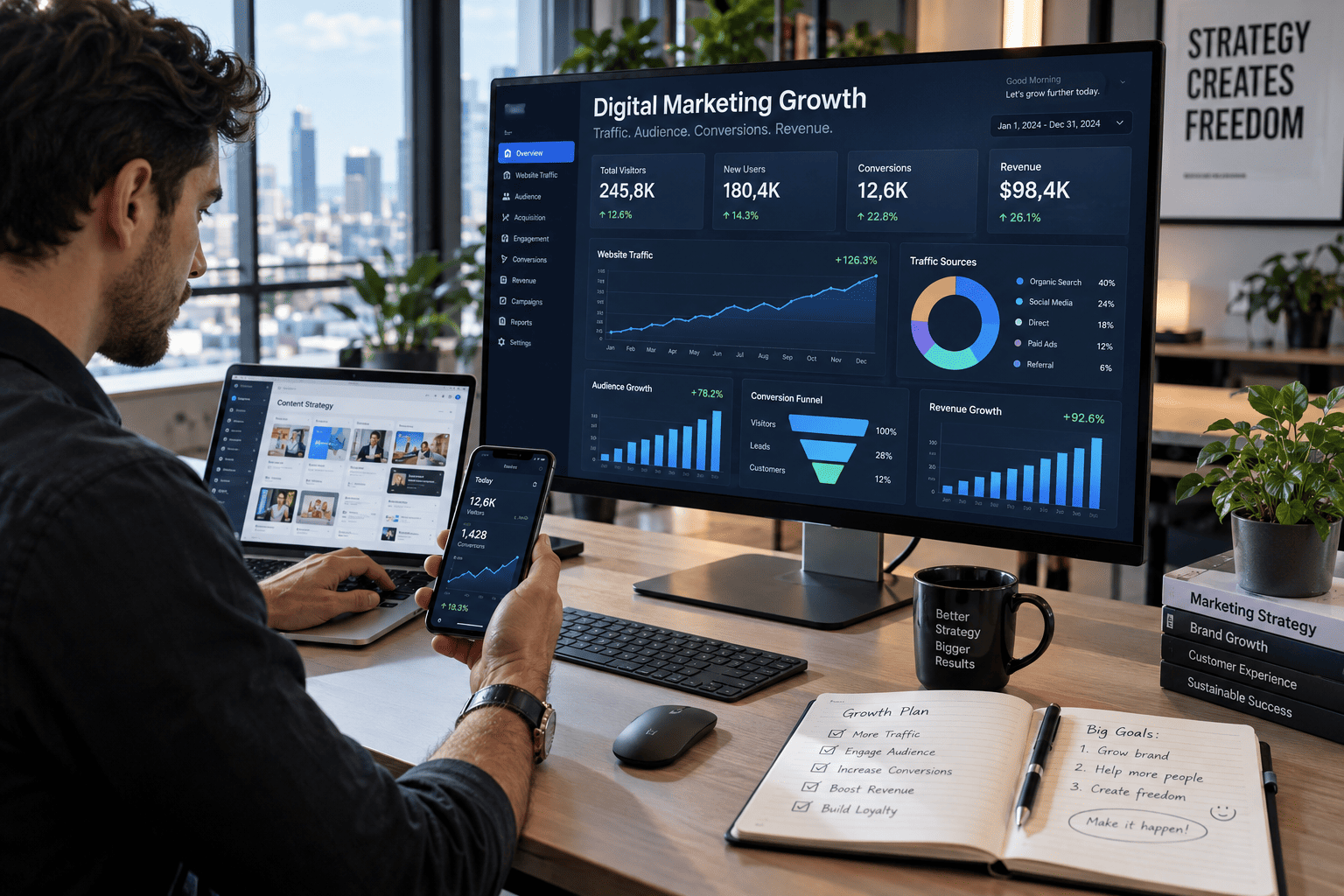
Every click tells a story. Someone discovers your content on social media, opens an email, taps a link in a bio, reads a blog post, or clicks an advertisement. But if all those visitors are sent through random URLs with little tracking, much of that story disappears.
That is where link management & analytics becomes incredibly valuable.
Instead of simply counting website visitors, you can understand where people came from, which campaigns attracted the most engaged users, what devices they used, which links generated conversions, and where potential customers dropped out.
For marketers, content creators, affiliate publishers, e-commerce owners, agencies, and growing businesses, better link tracking can transform scattered traffic data into actionable insights.
The goal is not to collect more numbers. It is to make better decisions from every click you already receive.
What Is Link Management & Analytics?
Link management is the process of organizing, tracking, maintaining, and optimizing the URLs used across your marketing channels.
Link analytics goes one step further by measuring what happens when people interact with those links.
Instead of seeing only that a campaign generated 5,000 visitors, you might discover that:
- 2,300 visitors came from social media.
- 1,400 arrived through email campaigns.
- 800 came from partner referrals.
- 500 clicked paid advertisements.
- Mobile users converted better than desktop users.
- One campaign generated twice as many conversions despite receiving fewer clicks.
Those insights provide far more value than raw traffic numbers.
When link management and analytics work together, every URL becomes a measurable part of your marketing strategy.
Why Tracking Every Click Matters
Imagine running five campaigns at the same time.
You publish a blog post, send a newsletter, launch a social media campaign, promote an affiliate offer, and run paid advertising.
Traffic increases.
Great.
But which campaign actually caused the increase?
Without structured tracking, the answer can become surprisingly difficult to determine.
Clicks Reveal Traffic Quality
More clicks do not automatically mean better results.
Campaign A might generate 10,000 clicks and only 50 conversions.
Campaign B might generate 3,000 clicks and 200 conversions.
Looking only at traffic would make Campaign A appear stronger. Conversion data tells a completely different story.
This is why effective link analytics should monitor metrics such as:
- Total clicks
- Unique clicks
- Conversion rate
- Click-through rate
- Traffic source
- Device type
- Geographic location
- Referral source
- Revenue per visitor
- Returning visitors
Once these numbers are connected, you can start identifying which traffic actually contributes to your goals.
Build a Clean Link Management System
Good analytics begins with organization.
If dozens of campaigns use inconsistent URLs, random naming conventions, or duplicate links, reporting quickly becomes confusing.
A simple link structure can prevent that problem.
Create Consistent Campaign Names
Use a predictable naming system for campaigns.
For example:
Channel → Campaign → Content → Date or Version
A campaign might be structured internally as:
Instagram → Product Launch → Video A → Version 1
Another could be:
Newsletter → September Promotion → CTA Button → Version 2
Consistency makes it much easier to compare performance later.
Keep Links Organized by Channel
Separate tracked links based on where they are used.
Common categories include:
- Social media
- Email marketing
- Paid advertising
- Affiliate campaigns
- Influencer partnerships
- Blog content
- Landing pages
- QR codes
- Video descriptions
A centralized link library can prevent duplicate URLs and reduce reporting mistakes.
Use UTM Parameters to Understand Traffic Sources
UTM parameters remain one of the most practical ways to identify where website traffic originates.
They add tracking information to the end of a URL so analytics platforms can recognize the campaign source.
Common UTM parameters include:
UTM Source
Identifies where the visitor came from.
Examples:
utm_source=facebook
utm_source=newsletter
utm_source=partner
UTM Medium
Identifies the marketing channel.
Examples:
utm_medium=social
utm_medium=email
utm_medium=affiliate
UTM Campaign
Identifies the specific campaign.
For example:
utm_campaign=summer_launch
Together, these parameters allow marketers to separate traffic that might otherwise appear identical.
A visitor clicking your homepage from an email campaign becomes distinguishable from someone clicking the same homepage through a social media post.
That distinction can dramatically improve attribution.
Look Beyond Total Clicks
One of the biggest mistakes in link analytics is focusing too heavily on click volume.
Clicks are important, but they are only the beginning.
Unique Clicks
A single user may click the same URL multiple times.
Unique-click tracking provides a clearer estimate of how many individual visitors interacted with a campaign.
Conversion Rate
Conversion rate shows how effectively traffic completes a desired action.
That action could be:
- Purchasing a product
- Registering for an account
- Joining an email list
- Downloading a resource
- Booking an appointment
- Requesting information
A link receiving fewer clicks but producing higher conversions may deserve more attention than a high-traffic link with weak results.
Revenue Per Click
For revenue-focused campaigns, calculating revenue per click can reveal which traffic sources are most valuable.
If a campaign generates $2,000 from 1,000 clicks, the average revenue per click is $2.
Comparing this metric across channels helps identify where marketing resources may generate stronger returns.
Uncover Hidden Audience Insights
Link analytics can reveal much more than campaign performance.
It can also provide clues about the people behind the clicks.
Analyze Geographic Performance
Visitors from different regions may behave differently.
You might discover that users from one country generate large traffic volumes while visitors from another region produce higher conversion rates.
Those insights can influence:
- Advertising targeting
- Content localization
- Promotion schedules
- Product availability
- Landing-page messaging
Rather than treating every visitor the same, geographic data helps create more relevant experiences.
Compare Mobile and Desktop Behavior
Mobile traffic now plays a major role across most digital channels.
However, conversion behavior can vary dramatically between devices.
Suppose a landing page generates:
- 70% mobile traffic
- 30% desktop traffic
But desktop visitors convert three times more often.
That difference could signal a mobile user-experience problem.
Perhaps the page loads slowly, the checkout form is difficult to complete, or important buttons appear below the fold.
Without device-level analytics, the problem might remain hidden.
Understand When People Click
Timing can also influence campaign performance.
Email newsletters may perform better in the morning, while social content may attract stronger engagement during the evening.
Analyzing click activity by hour and day can help determine when your audience is most active.
Instead of publishing everything at the same time, campaigns can gradually be scheduled around actual user behavior.
Connect Links to the Conversion Funnel
A click should rarely be analyzed in isolation.
The most useful insights appear when link data is connected to the broader customer journey.
A simple funnel might look like this:
Social Post → Blog Article → Product Page → Checkout → Purchase
Each stage provides valuable information.
If thousands of users click the social post but very few continue to the product page, the blog content may not provide a compelling next step.
If users reach the checkout page but fail to purchase, the problem may be related to pricing, trust, payment options, or checkout complexity.
Tracking the entire journey helps identify where improvements can have the greatest impact.
Use A/B Testing to Improve Link Performance
Small changes can create surprisingly large differences.
A/B testing allows you to compare two variations of the same campaign.
You could test:
- Different call-to-action text
- Button placement
- Link position
- Landing-page headlines
- Social captions
- Email subject lines
- Promotional offers
For example, one CTA might say:
Learn More
Another might say:
See How It Works
Both links can lead to the same page while using separate tracking parameters.
After enough traffic is collected, analytics can reveal which version produces stronger engagement or conversions.
Instead of guessing what your audience prefers, you can make decisions based on behavior.
Watch for Suspicious or Low-Quality Traffic
Not every click represents a genuine potential customer.
Automated bots, accidental clicks, suspicious referrals, or poorly targeted campaigns can inflate traffic numbers.
Warning signs may include:
- Sudden unexplained traffic spikes
- Thousands of clicks with almost no engagement
- Extremely short sessions
- Repeated clicks from unusual sources
- High traffic with zero conversions
Comparing link analytics with website engagement metrics can help identify these patterns.
The goal is not simply to maximize traffic. It is to attract visitors who genuinely interact with your content or business.
Create a Simple Weekly Analytics Routine
Analytics becomes much more useful when reviewed consistently.
A practical weekly routine does not need to be complicated.
Step 1: Review Your Top Links
Identify which links generated the most clicks during the week.
Step 2: Compare Traffic Sources
Determine whether social media, email, search, referrals, or paid campaigns produced the strongest engagement.
Step 3: Check Conversion Performance
Look beyond clicks and identify which campaigns generated meaningful actions.
Step 4: Investigate Unexpected Changes
Large increases or decreases deserve attention.
Look for new campaigns, broken links, tracking errors, viral content, or suspicious traffic.
Step 5: Choose One Optimization
Avoid changing everything at once.
Select one meaningful improvement, such as testing a new CTA, improving a landing page, or reallocating promotion toward a stronger traffic source.
Small improvements repeated consistently can produce significant gains over time.
Common Link Management Mistakes to Avoid
Even experienced marketers can lose valuable insights through simple tracking mistakes.
One common problem is using inconsistent UTM naming. For example, using facebook, Facebook, and FB as separate sources can fragment reports.
Another mistake is creating tracked links without documenting where they are used. Months later, identifying the original campaign becomes difficult.
Other issues include broken redirects, expired landing pages, duplicate campaign names, and judging success only by total clicks.
A clean tracking system prevents many of these problems before they appear.
Turn Analytics Into Better Marketing Decisions
The real power of link management & analytics is not the dashboard itself.
It is what you do with the information.
Analytics can help answer practical questions such as:
- Which channel brings the highest-quality traffic?
- Which content generates the most conversions?
- Where are visitors dropping out?
- Which audiences are responding best?
- Which campaigns deserve more investment?
- Which links should be updated or removed?
When those questions become easier to answer, marketing becomes less dependent on assumptions.
Every campaign becomes an experiment, every click becomes feedback, and every conversion provides another clue about what your audience actually wants.
Conclusion: Make Every Click Count
Effective link management & analytics turns ordinary URLs into powerful sources of marketing intelligence.
By organizing campaigns, using consistent tracking parameters, measuring conversions, analyzing audience behavior, monitoring traffic quality, and connecting clicks to the entire customer journey, you gain a clearer picture of what is actually driving results.
You do not need to track hundreds of metrics from day one.
Start with the fundamentals: source, clicks, conversions, devices, and campaign performance. Build a consistent tracking system, review the data regularly, and improve one element at a time.
The more clearly you understand the journey behind every click, the easier it becomes to create better campaigns, improve user experiences, and turn more of your existing traffic into meaningful conversions.
Start auditing your most important links today, clean up inconsistent tracking, and use the insights you uncover to guide your next marketing decision.