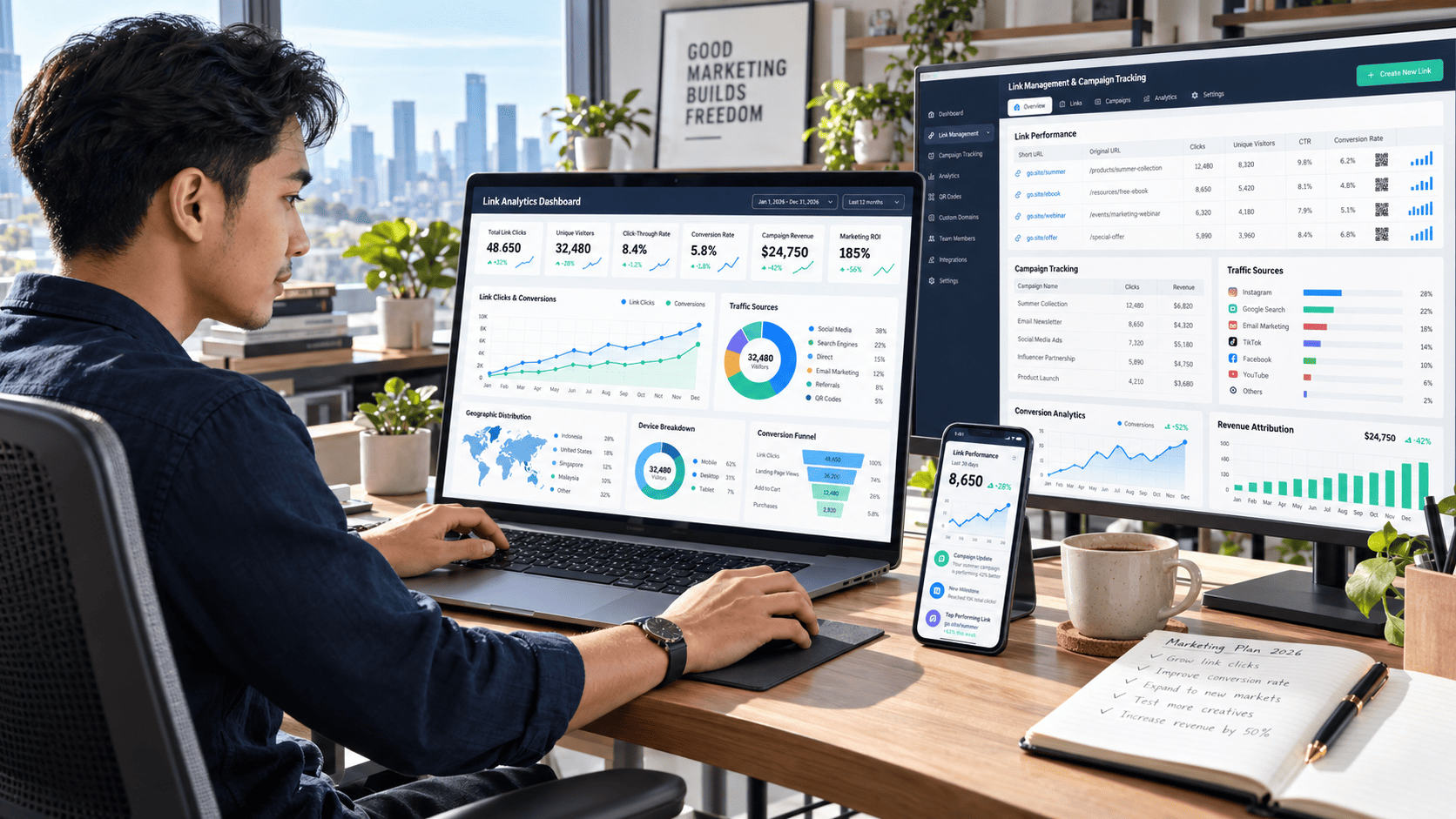

Getting people to click a link is only the beginning. The real challenge starts after the click.
Where did that visitor come from? Which campaign convinced them to take action? Did they explore your website, leave immediately, or eventually become a customer?
Without proper link management and analytics, these questions are difficult to answer. You may have thousands of clicks every month but still struggle to understand why some campaigns generate conversions while others barely produce results.
That is where smart link management becomes valuable. By organizing, tracking, and analyzing your links properly, you can understand visitor behavior, identify your strongest traffic sources, optimize marketing campaigns, and turn more clicks into meaningful business results.
What Is Link Management and Analytics?
Link management is the process of organizing, tracking, monitoring, and optimizing the URLs used across your marketing channels.
These links may appear in:
- Social media posts
- Email newsletters
- Paid advertising campaigns
- Blog articles
- Affiliate promotions
- QR codes
- Landing pages
- Influencer campaigns
- Digital products
Instead of treating every URL as a simple path to a webpage, modern marketers use links as measurable data points.
Link analytics then provides information about what happens when people interact with those links.
Depending on the tracking system you use, you may discover data such as:
- Total clicks
- Unique visitors
- Traffic sources
- Devices
- Geographic locations
- Campaign performance
- Conversion rates
- Referral channels
- Visitor behavior
- Revenue attribution
Together, link management and analytics create a clearer picture of how people move through your marketing ecosystem.
Why Click Data Matters More Than Click Numbers
A campaign generating 10,000 clicks may look impressive. However, those numbers mean very little if the visitors do not take meaningful action.
Imagine two campaigns.
Campaign A generates 8,000 clicks and 80 purchases.
Campaign B generates only 3,000 clicks but produces 240 purchases.
If you only focus on traffic volume, Campaign A appears stronger. But when you analyze conversions, Campaign B clearly delivers better results.
This is why understanding click behavior matters.
Look Beyond Total Clicks
Useful link analytics should answer deeper questions.
Which visitors are clicking?
Where are they coming from?
What device are they using?
Which content attracts high-quality traffic?
Which campaigns produce conversions?
By connecting clicks with user behavior, you can identify the marketing activities that actually contribute to your goals.
Organize Your Links Before Tracking Them
A common mistake is creating dozens or even hundreds of campaign links without a clear naming system.
After a few months, marketers may encounter URLs labeled with confusing campaign codes, random parameters, or inconsistent names.
Good link management begins with organization.
Create a Simple Naming Structure
A consistent naming format makes campaign analysis much easier.
For example, you could organize links based on:
- Campaign name
- Traffic source
- Content type
- Promotion period
- Audience segment
A social media campaign might follow a structure such as:
product-launch-social-video
An email campaign might use:
product-launch-email-subscriber
The exact naming system is less important than consistency.
When every campaign follows the same structure, analytics reports become easier to understand.
Use Campaign Tracking Parameters
Tracking parameters help identify where visitors came from before arriving on your website.
One of the most common approaches is using UTM parameters.
UTM tracking can identify information such as:
- Source
- Medium
- Campaign
- Content variation
- Keyword
For example, two links may send visitors to the same landing page while tracking different traffic sources.
One link could represent an email newsletter, while another tracks a social media campaign.
When visitors arrive, analytics tools can distinguish between those sources.
Avoid Overcomplicating Your Tracking
Tracking becomes less useful when every team member creates different naming conventions.
Choose clear labels and stick with them.
Instead of mixing terms such as:
- FB
- FacebookAds
- MetaTraffic
Use one consistent naming format.
Clean tracking data makes reporting significantly easier.
Understand Where Your Best Traffic Comes From
Not all traffic sources deliver the same quality of visitors.
Search engines may generate visitors with strong purchase intent, while social media might produce larger traffic volumes with lower conversion rates.
Email subscribers may generate fewer clicks but stronger engagement.
Link analytics allows you to compare these channels.
Measure Traffic Quality
Useful metrics may include:
- Conversion rate
- Bounce or engagement rate
- Session duration
- Pages viewed
- Revenue per visitor
- Returning visitor rate
The goal is not simply to identify the biggest traffic source.
The goal is to discover which channels produce visitors who are most likely to complete your desired action.
Track the Entire Customer Journey
Most customers do not purchase immediately after their first click.
Someone might discover your brand through social media, read a blog article several days later, subscribe to your newsletter, and eventually purchase after clicking an email promotion.
Without proper analytics, the final email campaign may receive all the credit.
However, the customer journey involved multiple interactions.
Connect Different Touchpoints
Strong link management helps you analyze the path visitors take before converting.
Common touchpoints may include:
- Social media discovery
- Blog content
- Email subscription
- Product comparison
- Promotional offer
- Purchase
Understanding this journey helps marketers create campaigns that work together instead of operating separately.
Analyze Click Behavior Across Devices
People interact with content differently depending on their devices.
A mobile visitor may quickly browse a landing page during a commute, while a desktop visitor may spend more time comparing products.
Tracking device data can reveal important usability problems.
For example, imagine that mobile traffic represents 70% of your clicks but only 30% of your conversions.
That difference may indicate issues such as:
- Slow mobile loading
- Difficult navigation
- Poor checkout design
- Small buttons
- Complicated forms
Identifying these patterns allows you to improve the experience where it matters most.
Use Geographic Data to Improve Campaign Targeting
Location data can reveal surprising audience opportunities.
You may discover that a campaign designed for one region is generating strong engagement somewhere else.
For global brands, this information can influence advertising budgets, content strategy, language localization, and product availability.
Turn Location Insights Into Action
Suppose a digital product receives strong traffic from Indonesia, Malaysia, and the Philippines.
Instead of running one generic campaign, you could test localized landing pages or region-specific messaging.
Small adjustments based on geographic insights can improve relevance and conversion performance.
Measure Conversion Rates, Not Just Engagement
Engagement metrics are useful, but conversions are often closer to real business outcomes.
Depending on your goals, a conversion could mean:
- Purchasing a product
- Joining an email list
- Completing a registration
- Downloading a resource
- Requesting a consultation
- Starting a free trial
Tracking these actions helps connect marketing activity with measurable results.
Calculate Conversion Rate
A simple conversion rate can be calculated by comparing conversions with total visitors.
For example:
5,000 visitors generate 250 purchases.
That equals a 5% conversion rate.
If another campaign generates fewer visitors but a higher conversion rate, it may be more valuable despite producing less traffic.
Test Different Links and Landing Pages
Analytics becomes especially powerful when combined with experimentation.
Instead of guessing which message will perform better, you can test different versions.
You might compare:
- Headlines
- Calls to action
- Landing page layouts
- Button placement
- Promotional offers
- Images
- Content formats
Use A/B Testing
A/B testing sends different groups of visitors to different versions of a page or campaign.
For example:
Version A might use a direct call to action.
Version B might focus on benefits.
After collecting enough data, you can compare click-through rates and conversions.
This turns marketing decisions from assumptions into evidence-based improvements.
Monitor Broken and Outdated Links
Link management is not only about marketing analytics.
It also helps maintain website quality.
Broken links create frustrating experiences and can prevent visitors from reaching important pages.
Imagine clicking a product link from an article only to receive an error page.
Many visitors will simply leave.
Regular link monitoring can identify:
- Broken URLs
- Deleted pages
- Incorrect redirects
- Expired promotions
- Changed landing pages
Fixing these problems protects both user experience and campaign performance.
Use Redirects Carefully
Redirects are useful when URLs change or campaigns move to new landing pages.
However, excessive redirect chains can create problems.
A visitor might click Link A, which redirects to Link B, which redirects again to Link C.
This can slow loading times and make tracking more complicated.
Whenever possible, keep redirects simple and direct visitors to the final destination efficiently.
Create Short and Shareable Links
Long tracking URLs can look messy, especially on social media or printed materials.
Short links make campaigns easier to share and manage.
They can be useful for:
- Social media bios
- Video descriptions
- QR codes
- Offline advertisements
- Influencer campaigns
- Podcasts
However, short links should still be connected to proper analytics so you can measure performance.
Clear naming and organized reporting remain important even when the visible URL looks simple.
Identify High-Performing Content
Link analytics can reveal which content consistently attracts valuable visitors.
Suppose your website publishes tutorials, reviews, guides, and case studies.
After several months, analytics may show that tutorial content generates the most clicks while case studies generate the highest conversions.
That information can shape your future content strategy.
Instead of producing content based purely on assumptions, you can focus on formats that already demonstrate strong performance.
Segment Your Audience
Different audiences respond to different messages.
A first-time visitor may need educational content, while a returning customer may respond better to a special offer.
Link tracking can help separate these audiences.
Segments might include:
- New visitors
- Returning visitors
- Email subscribers
- Existing customers
- Paid advertising traffic
- Organic search visitors
- Social media followers
Creating campaigns for specific audience segments often produces stronger results than sending the same message to everyone.
Build a Simple Link Analytics Dashboard
You do not need dozens of metrics on one screen.
A useful dashboard should focus on information that supports decisions.
Consider monitoring:
- Total clicks
- Unique clicks
- Top traffic sources
- Best-performing campaigns
- Conversion rate
- Revenue
- Device distribution
- Geographic performance
The goal of a dashboard is clarity.
If a metric does not help you make a marketing decision, it may not need to be displayed prominently.
Review Your Data Regularly
Analytics becomes useful when it influences action.
Checking reports once every few months is rarely enough for active campaigns.
A simple review routine might include:
Daily
Monitor unusual traffic spikes, broken links, or major campaign changes.
Weekly
Compare campaign performance and identify strong or weak traffic sources.
Monthly
Analyze conversion trends, audience behavior, content performance, and revenue attribution.
Regular reviews make it easier to catch problems early and discover opportunities before competitors do.
Common Link Management Mistakes to Avoid
Even experienced marketers can create messy tracking systems.
Some common mistakes include:
- Using inconsistent campaign names
- Tracking clicks without tracking conversions
- Ignoring mobile performance
- Creating unnecessary redirects
- Forgetting to update expired links
- Measuring traffic without considering quality
- Collecting too many metrics without clear goals
The best analytics setup is not necessarily the most complicated one.
It is the one that consistently provides information you can act on.
Conclusion: Turn Every Click Into Useful Insight
Mastering link management and analytics changes the way you look at traffic.
Instead of seeing clicks as isolated numbers, you begin to understand where visitors come from, what they are interested in, how they move through your content, and what eventually motivates them to convert.
Organized links, consistent tracking parameters, conversion measurement, audience segmentation, device analysis, and regular performance reviews can reveal opportunities that basic traffic reports often miss.
Most importantly, strong link analytics helps you make smarter decisions.
You can invest more resources in campaigns that perform well, improve weak landing pages, fix broken customer journeys, and create content based on actual audience behavior.
Start by reviewing the links you already use. Organize your campaigns, improve your tracking structure, and focus on the metrics connected to real business goals.
The better you understand every click, the easier it becomes to turn traffic into engagement, leads, customers, and long-term growth.