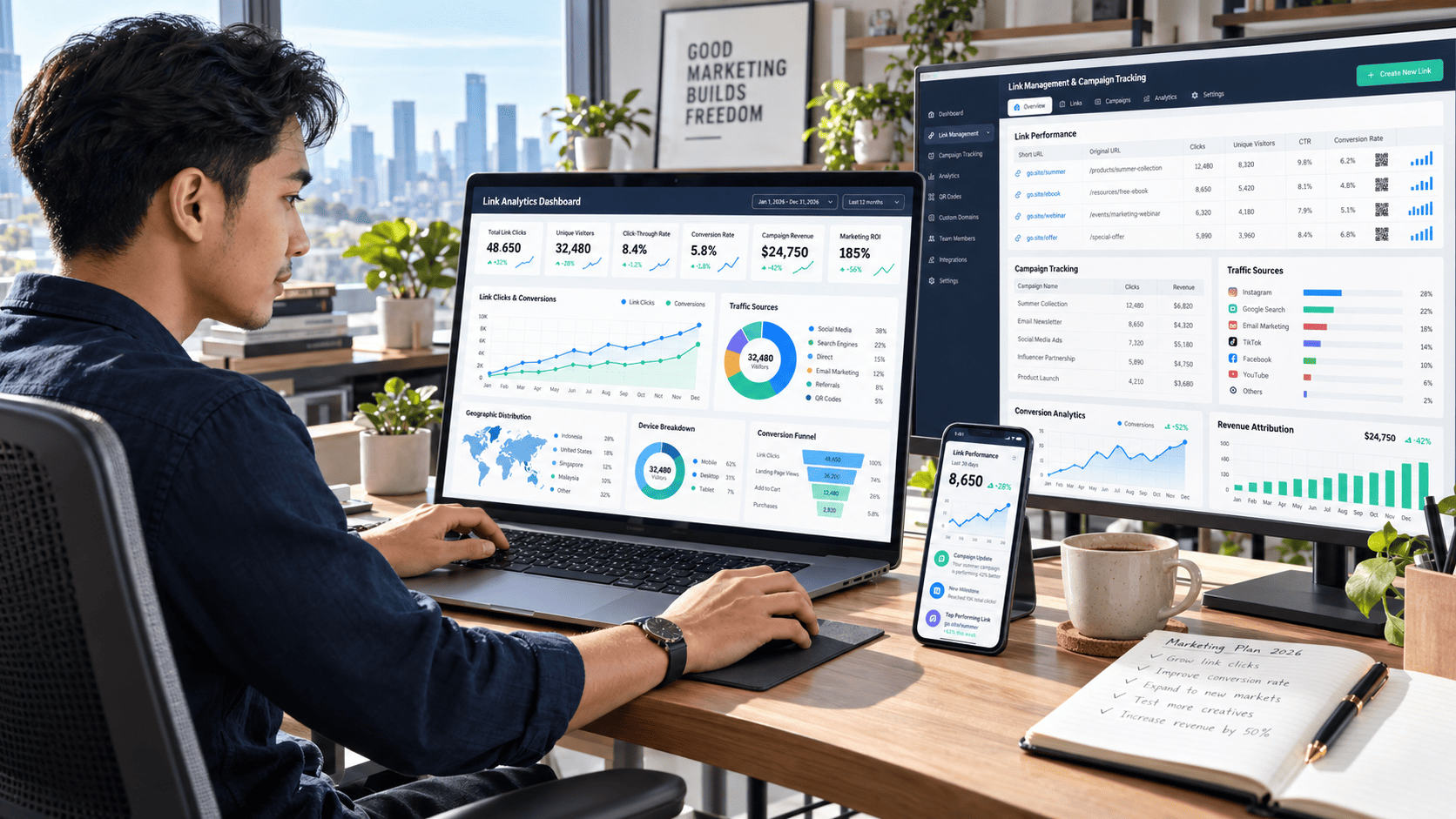

Publishing great content is only half the job. The real challenge begins after you share the link.
You may post an article on social media, include it in an email campaign, or place it inside a video description. The link receives a few clicks, but you still do not know where those visitors came from, what device they used, or whether they completed the action you wanted.
Without that information, content growth becomes a guessing game.
Link management and analytics give you a clearer picture of how people interact with your content. Instead of simply counting clicks, you can identify your strongest traffic sources, understand audience behavior, compare campaigns, and make smarter decisions based on real performance.
When used correctly, these insights can help content creators, marketers, bloggers, and online businesses increase clicks while building a more effective content strategy.
What Is Link Management?
Link management is the process of organizing, customizing, tracking, and maintaining the links used across your digital channels.
A basic link only sends someone from one page to another. A managed link can provide valuable information about that journey.
For example, imagine that you are promoting the same blog post through Instagram, Facebook, email, and a messaging group. If you use the exact same link everywhere, your website analytics may show total traffic, but identifying which channel generated the best visitors can be difficult.
By creating a separate tracked link for each channel, you can measure the performance of every campaign more accurately.
Effective link management may include:
- Creating short, memorable links
- Adding campaign tracking parameters
- Organizing links by platform or project
- Updating destination pages without changing the shared link
- Monitoring broken or expired links
- Tracking clicks, devices, locations, and conversions
- Controlling when and where links can be accessed
This turns an ordinary URL into a useful marketing asset.
Why Link Analytics Matter for Content Growth
Click numbers can look impressive, but they do not always tell the complete story.
Suppose one campaign generates 2,000 clicks while another produces only 600. At first glance, the first campaign appears more successful. However, deeper analytics may reveal that visitors from the smaller campaign spent more time on the page, subscribed to your email list, or purchased a product.
The highest number of clicks does not always produce the best result.
Link analytics help you answer more meaningful questions:
- Which platform sends the most engaged visitors?
- What type of content attracts the most clicks?
- Which campaign creates actual conversions?
- What time does the audience interact with links?
- Are most visitors using mobile devices or computers?
- Which countries or regions generate valuable traffic?
- Where do visitors lose interest?
These insights allow you to improve future campaigns instead of repeating the same strategy without knowing whether it works.
How to Use Link Management and Analytics Effectively
1. Set a Clear Goal for Every Link
Before creating or sharing a link, decide what you want the audience to do after clicking it.
The goal could be to:
- Read an article
- Watch a video
- Download a resource
- Register for an event
- Subscribe to a newsletter
- Purchase a product
- Contact your business
A link without a clear goal is difficult to evaluate. You might receive hundreds of clicks, but you will not know whether the campaign succeeded.
For example, if the goal is newsletter growth, total clicks are less important than the number of people who complete the subscription form. If the goal is product sales, the most useful metric may be the conversion rate or revenue generated by each traffic source.
Clear goals make analytics easier to understand and act upon.
2. Create Different Links for Each Traffic Source
Avoid using one identical link for every platform.
Create a unique tracked link for each channel, campaign, or content placement. You might use one link for Facebook, another for Instagram, another for email, and another for a guest post.
This approach helps you identify exactly where the traffic originates.
A simple campaign structure could look like this:
- Blog launch – Facebook
- Blog launch – Instagram
- Blog launch – Email newsletter
- Blog launch – Community group
- Blog launch – Partner website
Even though all links lead to the same article, each one can be measured separately.
Over time, this creates a valuable performance history. You may discover that social media produces more clicks, while email subscribers generate stronger engagement and more conversions.
3. Use Clear and Trustworthy Short Links
Long URLs filled with tracking codes can look confusing or suspicious. A clean short link is easier to share, remember, and place inside social posts, emails, presentations, or printed materials.
Whenever possible, use a branded or recognizable link structure.
For example, a customized link such as:
yourbrand.com/content-guide
looks more trustworthy than a random combination of letters and numbers.
However, shortening a link should not hide misleading destinations. Visitors should have a reasonable idea of where the link will take them. Trust is essential, especially when links are used for downloads, purchases, or account registration.
4. Track More Than Total Clicks
Total clicks are useful, but they should be treated as the starting point rather than the final measurement.
Unique Clicks
Unique clicks estimate how many individual visitors interacted with the link. This prevents repeated clicks from the same person from making a campaign appear more successful than it really is.
Click-Through Rate
Click-through rate compares the number of clicks with the number of people who saw the link.
A link that receives 500 clicks may seem successful, but the result means something different if 5,000 people saw it compared with 500,000 people.
Traffic Sources
Traffic-source data shows where visitors found the link. This helps you compare social platforms, websites, advertisements, newsletters, and other channels.
Device Information
Device analytics reveal whether visitors use smartphones, tablets, or desktop computers.
If most clicks come from mobile devices, the destination page must load quickly and remain easy to navigate on smaller screens.
Geographic Data
Location data can help you understand where your audience is concentrated. This information may influence publishing schedules, language choices, promotional offers, and regional content.
Conversions
A conversion happens when a visitor completes the desired action after clicking.
Conversions may include purchases, registrations, downloads, subscriptions, or completed contact forms. For most campaigns, conversion data is more valuable than clicks alone.
How to Read Audience Behavior from Link Data
Link analytics become powerful when you look for patterns instead of reviewing isolated numbers.
Imagine that a creator shares three articles during the same week:
- A beginner tutorial receives many clicks but short visits.
- A detailed comparison receives fewer clicks but generates more email sign-ups.
- A case study receives moderate traffic and the highest number of product purchases.
Each piece of content serves a different purpose.
The beginner tutorial may be excellent for attracting new visitors. The comparison may build trust and generate leads. The case study may be the strongest sales asset.
Rather than declaring one article the winner, the creator can connect them into a content journey. The beginner guide attracts attention, the comparison develops interest, and the case study encourages action.
This is how analytics can shape a complete content strategy.
Practical Ways to Increase Link Clicks
Write a Benefit-Focused Call to Action
A generic phrase such as “click here” gives people little reason to act.
A stronger call to action explains the value behind the link:
- See the complete comparison
- Download the free checklist
- Learn the step-by-step process
- Check the latest campaign results
- Explore the beginner-friendly guide
The audience should understand what they will receive before clicking.
Match the Link with the Surrounding Content
A link should feel like a natural continuation of the message around it.
If a social post discusses improving website traffic, the link should lead directly to a relevant traffic guide—not a general homepage. This alignment reduces confusion and creates a smoother user experience.
Place Important Links Where People Can See Them
Links can be overlooked when they are buried inside long paragraphs or placed at the bottom of a page.
Important calls to action should appear in visible, relevant positions. On longer pages, the same destination may be linked more than once, as long as each placement feels natural and useful.
Test Different Messages
The destination can remain the same while the promotional message changes.
One version may focus on saving time. Another may highlight better results. A third may create curiosity.
By assigning a separate tracked link to each version, you can see which angle attracts the strongest response.
Common Link Management Mistakes
Tracking Clicks Without Tracking Outcomes
A campaign cannot be judged accurately if you only know how many people clicked. Connect link data with meaningful actions such as subscriptions, downloads, inquiries, or sales.
Using Unclear Link Names
Random labels make reports difficult to understand. Use a consistent naming system based on the campaign, platform, content, and date.
Ignoring Broken Links
Broken links damage trust and waste traffic. Review important links regularly, especially those used in popular articles, automated emails, social profiles, and evergreen campaigns.
Sharing Too Many Links at Once
When audiences receive several competing links, they may not know which action matters most. Give each post, message, or campaign one primary call to action whenever possible.
Making Decisions Too Quickly
A small amount of data may not represent normal audience behavior. Review performance over a reasonable period and compare similar campaigns before making major changes.
Build a Simple Link Analytics Workflow
You do not need a complicated system to begin.
Start with this practical workflow:
- Define the main goal of the campaign.
- Create a separate tracked link for each traffic source.
- Use clear campaign names.
- Share the links through your chosen channels.
- Monitor clicks, engagement, and conversions.
- Compare results between platforms and messages.
- Identify the strongest patterns.
- Apply those insights to the next campaign.
Repeat this process consistently. Each campaign will provide more information about your audience, making future decisions more accurate.
Frequently Asked Questions
What is the difference between link management and link analytics?
Link management focuses on creating, organizing, updating, and maintaining links. Link analytics focuses on measuring how people interact with those links. The two work together to improve campaign performance.
Can link analytics increase website traffic?
Analytics do not create traffic automatically, but they reveal which channels, messages, and content formats perform best. You can use those insights to focus your effort on strategies that generate stronger results.
Should every link use tracking parameters?
Tracking is most useful for campaigns shared across different platforms or placements. Basic internal navigation links may not require separate tracking, but promotional links should usually be labeled clearly.
Are short links better for SEO?
Short links are primarily useful for sharing, branding, and campaign tracking. They do not automatically improve search rankings. The quality, relevance, authority, and usability of the destination page remain more important for SEO.
How often should link performance be reviewed?
Review active campaigns regularly, but avoid reacting to every small change. Fast campaigns may require frequent monitoring, while evergreen content can be reviewed weekly or monthly.
Conclusion
Link management and analytics help transform scattered clicks into clear, useful information.
By setting specific goals, creating separate tracked links, monitoring audience behavior, and measuring conversions, you can understand which channels and messages genuinely support your growth. You can also identify broken links, improve calls to action, optimize content for the right devices, and build a smoother journey from first click to final conversion.
The most effective approach is not to collect as much data as possible. It is to collect the right data and use it to make better decisions.
Choose one important campaign, organize its links by traffic source, and begin tracking the results. The patterns you discover could become the foundation of a faster, more focused content growth strategy.