Every click tells a story. Someone sees your content, notices a link, becomes curious, and decides whether it is worth taking the next step. But if you are only looking at total traffic or page views, most of that story remains invisible.
That is where link management and analytics become incredibly valuable.
Whether you are a blogger, digital marketer, content creator, affiliate publisher, business owner, or social media manager, properly managing your links can reveal which campaigns attract attention, where visitors come from, what devices they use, and which links actually contribute to conversions.
The goal is not simply to collect more clicks. The real advantage comes from understanding what happens behind those clicks and using the data to make better decisions.
Here are 15 smart techniques that can help you optimize every link, understand visitor behavior, and improve campaign performance faster.
1. Create a Clear Link Management Structure
Managing hundreds of links without a clear system quickly becomes confusing.
Instead of creating random URLs for every campaign, develop a consistent naming structure based on campaign, platform, content type, or date.
For example, links for an email campaign, Instagram promotion, and blog article should be easy to identify when you review analytics later.
A simple structure makes reporting easier and reduces the risk of analyzing the wrong campaign.
Keep Campaign Names Consistent
Avoid using several different names for the same campaign.
If one campaign is called summer-sale in one link and summersale2026 in another, your analytics may separate the data unnecessarily.
Consistency makes your reports much easier to understand.
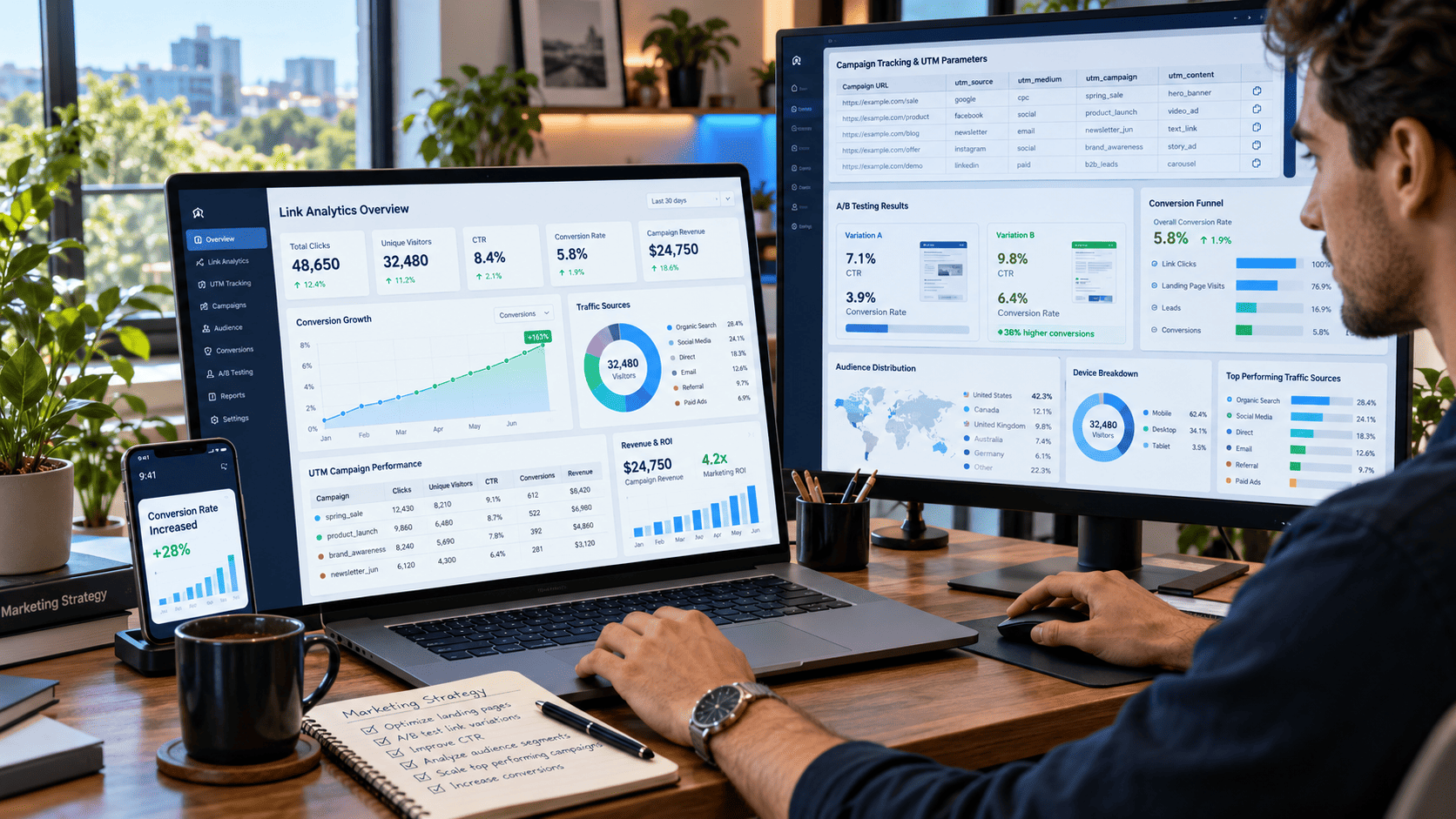
2. Use UTM Parameters to Identify Traffic Sources
UTM parameters are one of the easiest ways to understand where your visitors come from.
They allow analytics platforms to identify important campaign details such as:
- Traffic source
- Marketing medium
- Campaign name
- Content variation
- Keyword or promotion
For example, you can distinguish visitors arriving from Facebook posts, email newsletters, paid advertisements, or influencer campaigns.
Without proper tracking parameters, several campaigns may appear under the same general traffic source, making performance comparisons difficult.
3. Shorten Long Campaign URLs
Tracking links can become extremely long, especially when several UTM parameters are added.
Long URLs may look messy in social posts, messages, or promotional materials.
A branded short link can make the URL easier to share while still preserving tracking information.
For example, instead of displaying a long URL containing multiple campaign parameters, you could use something cleaner such as:
brand.com/summerdeal
The destination remains the same, but the link becomes more memorable and professional.
4. Track More Than Total Clicks
Total clicks are useful, but they rarely tell the whole story.
Imagine that a promotional link receives 5,000 clicks. At first glance, that sounds impressive.
However, deeper analytics might reveal that only 2,500 unique visitors clicked it.
The remaining clicks could come from repeat visitors, users refreshing pages, automated systems, or people clicking several times.
Important Metrics to Monitor
Useful link analytics often include:
- Total clicks
- Unique clicks
- Click-through rate
- Conversion rate
- Geographic location
- Device type
- Browser
- Traffic source
- Time of click
Looking at these metrics together creates a much clearer picture of campaign performance.
5. Compare Click-Through Rate Between Campaigns
Click-through rate, commonly called CTR, measures how often people click a link after seeing it.
Suppose two promotional banners each receive 10,000 impressions.
The first banner receives 300 clicks, while the second receives 700.
Even if both promote the same product, their effectiveness is clearly different.
Comparing CTR helps you identify which headlines, buttons, placements, or creative ideas attract more attention.
6. Understand Where Your Visitors Come From
Location data can reveal surprising opportunities.
You might discover that a campaign originally created for one market receives strong engagement from visitors in another country or city.
This information can influence future decisions about:
- Content language
- Advertising campaigns
- Publishing schedules
- Product offers
- Regional landing pages
Geographic data becomes especially valuable when your website attracts an international audience.
7. Analyze Device Usage
A campaign may perform very differently on mobile devices compared with desktop computers.
For example, you might notice that 80% of visitors click from smartphones but the conversion rate remains significantly higher on desktop.
That could indicate a mobile usability problem.
Perhaps the landing page loads slowly, the form is difficult to complete, or the call-to-action button is too small.
Link analytics can help uncover these patterns before they become major conversion problems.
8. Monitor the Time Visitors Click
Timing can significantly influence engagement.
Analytics may reveal that your audience clicks links most frequently during lunch breaks, evenings, weekends, or specific weekdays.
Once you understand these patterns, you can schedule:
- Social media posts
- Email campaigns
- Promotions
- Product launches
- Content distribution
Publishing when your audience is already active can improve campaign visibility without increasing advertising spending.
9. Track Every Marketing Channel Separately
Never assume that all traffic sources behave the same way.
Visitors coming from search engines may have different intentions from visitors clicking links on social media.
Similarly, newsletter subscribers may convert differently from paid advertising audiences.
Create separate tracking links for every important channel.
This makes it easier to answer questions such as:
Which platform generates the most visitors?
Which source produces the highest conversion rate?
Which campaign attracts visitors who stay longer?
The answers can help you decide where to focus your marketing effort.
10. Use A/B Testing for Important Links
Sometimes a small change can dramatically affect clicks.
You can create two versions of the same campaign and test different elements.
For example:
Version A: Learn More
Version B: Discover the Full Guide
Both buttons lead to the same destination, but separate tracking links allow you to compare their performance.
You can also test:
- Button placement
- Headlines
- Images
- Landing pages
- Call-to-action wording
Over time, these small experiments can significantly improve campaign results.
11. Connect Click Data With Conversion Data
Clicks are only the beginning.
A campaign generating thousands of clicks is not necessarily successful if those visitors never complete the desired action.
The real goal might be:
- Purchasing a product
- Registering an account
- Joining a newsletter
- Downloading a resource
- Completing a form
- Reading another article
Connecting link analytics with conversion tracking shows which campaigns actually produce valuable outcomes.
12. Identify High-Performing Content
Your best-performing links can reveal what your audience genuinely cares about.
Suppose you publish ten articles and promote each one across the same channels.
After several weeks, three articles consistently receive significantly more clicks.
Instead of guessing what your audience prefers, you now have real behavioral data.
You can use that insight to create more content around similar topics, formats, or audience problems.
13. Watch for Unusual Click Patterns
Sudden traffic spikes are not always positive.
Imagine a link normally receives 200 clicks per day but suddenly receives 15,000 within a few hours.
That could indicate viral attention, but it might also come from automated traffic or suspicious sources.
Look closely at:
- Click frequency
- Geographic concentration
- Device patterns
- Referral sources
- Repeated activity
Understanding unusual patterns helps keep your analytics more accurate.
14. Review and Update Old Links Regularly
Links should not be treated as permanent assets that never need maintenance.
Over time, destination pages may move, campaigns may end, and websites may change their URL structure.
Broken links create a poor user experience and can waste valuable traffic.
Perform Regular Link Audits
Check important links periodically and look for:
- Broken destinations
- Incorrect redirects
- Outdated campaigns
- Duplicate tracking links
- Inconsistent UTM parameters
- Expired promotions
A simple link audit can prevent traffic from disappearing into outdated pages.
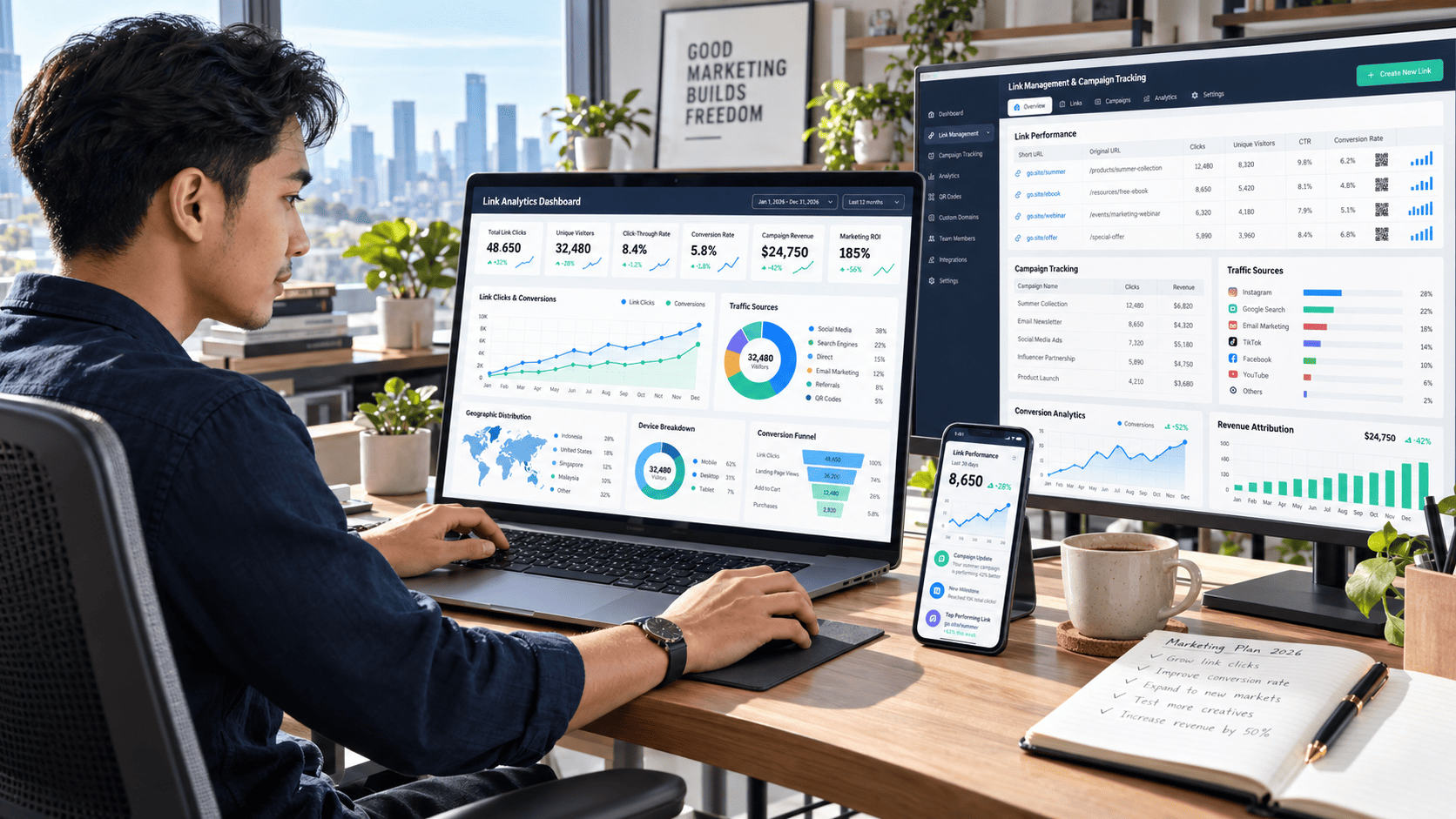
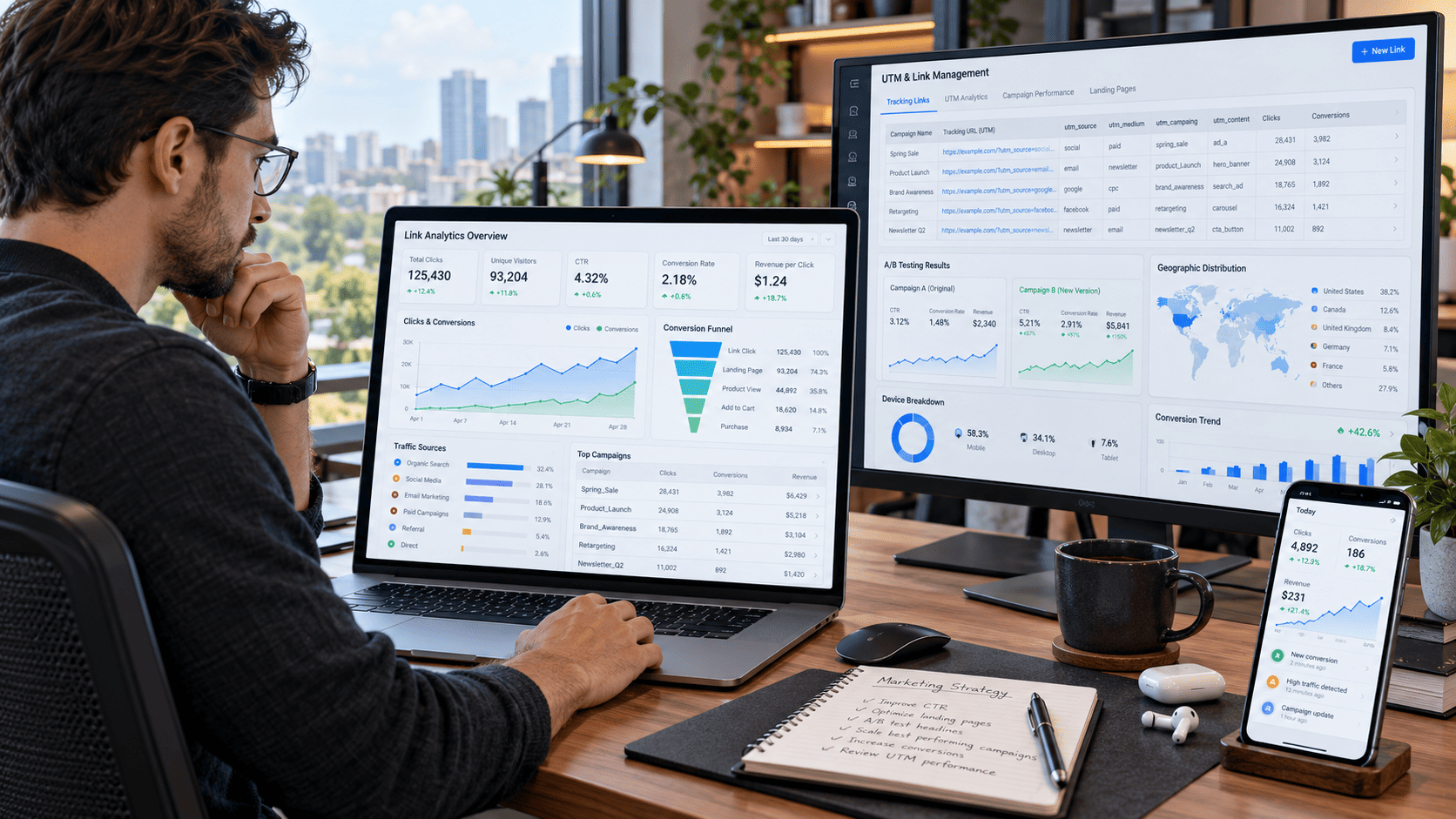
15. Build a Simple Analytics Dashboard
Once your campaigns grow, checking several separate reports becomes inefficient.
A centralized dashboard can help you monitor the most important metrics at a glance.
Your dashboard might include:
Traffic Performance
Track total clicks, unique visitors, traffic sources, and device distribution.
Campaign Performance
Compare campaigns based on CTR, engagement, and conversion rate.
Audience Insights
Monitor geographic locations, active hours, and visitor behavior.
Conversion Results
Identify which links generate the most leads, registrations, purchases, or other valuable actions.
A good dashboard does not need dozens of complicated charts. Focus on metrics that actually influence your decisions.
Turn Link Analytics Into Better Decisions
Collecting data is easy. Using it effectively is where the real value begins.
Instead of simply checking whether clicks increased or decreased, ask deeper questions.
Why did one campaign perform better?
Which traffic source produced the highest-quality visitors?
What happened after someone clicked the link?
Which device generated the highest conversion rate?
What content encouraged visitors to continue exploring?
When you consistently ask these questions, analytics becomes more than a reporting tool. It becomes a practical decision-making system.
Common Link Management Mistakes to Avoid
Even experienced marketers occasionally create tracking problems.
One common mistake is using inconsistent campaign names. Another is creating multiple tracking links without documenting their purpose.
It is also easy to focus too heavily on vanity metrics.
Ten thousand clicks might look impressive, but 1,000 highly targeted visitors who generate 100 conversions could be far more valuable.
Always evaluate traffic quality alongside traffic quantity.
Conclusion
Effective link management and analytics gives you much more than click numbers. It helps you understand where visitors come from, what content attracts their attention, which devices they use, when they are most active, and which campaigns actually produce meaningful results.
Start with the fundamentals: organize your links, use consistent tracking parameters, separate marketing channels, and monitor both clicks and conversions. Then move into deeper analysis using A/B testing, audience segmentation, device data, geographic insights, and centralized dashboards.
You do not need to optimize everything at once. Choose a few important links, measure their performance, identify patterns, and improve them gradually.
Every link is an opportunity to learn something about your audience. The better you understand those signals, the easier it becomes to create smarter campaigns, improve user experiences, and turn more traffic into meaningful conversions.
Start reviewing your most important links today, apply these techniques, and use the insights you discover to make your next campaign stronger than the last.